
0.11.0 Latest
Download ↓NegaKit and 35mm, together
The app and the reference now work as one: what you know about a film is on the roll card, and what you learn from your rolls goes back to 35mm.org.
With 35mm.org
- Post frames to the 35mm feed, developed as edited, with the film, camera, lens and developer from the roll card.
- Report how a roll came out: the measured density and the speed you shot at go to the film’s page.
- The film’s reviews and stars on the roll card — rate and review it without leaving the app.
- Datasheets, rated speeds and the maker’s advice on developers, right on the roll card.
- Long exposures: metered seconds turned into the time to expose, from the maker’s reciprocity data.
- Your 35mm gear and favourite films come first in the roll card’s pickers.
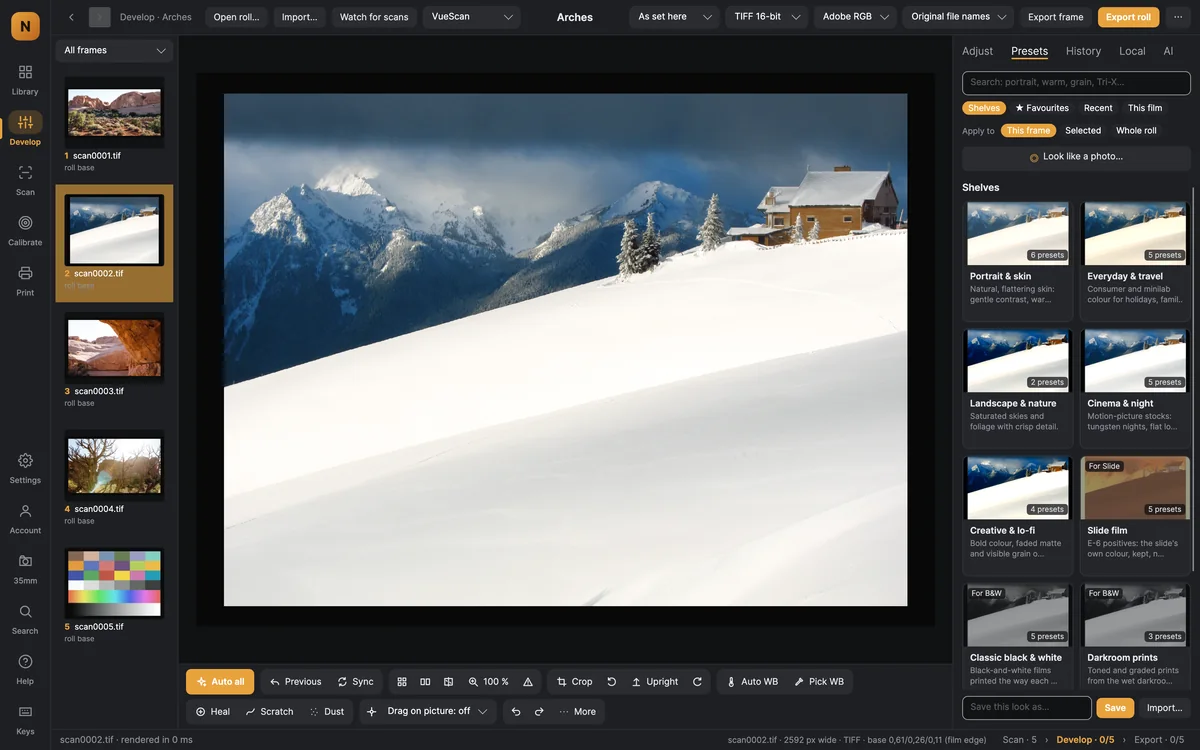
- Shared galleries can appear as samples on the film’s page; community looks made for your film come first.
- Film identification learns from scans shared on 35mm.
- One sign-in, and a 35mm window with activity on your posts, news and your shooting log.
Editing
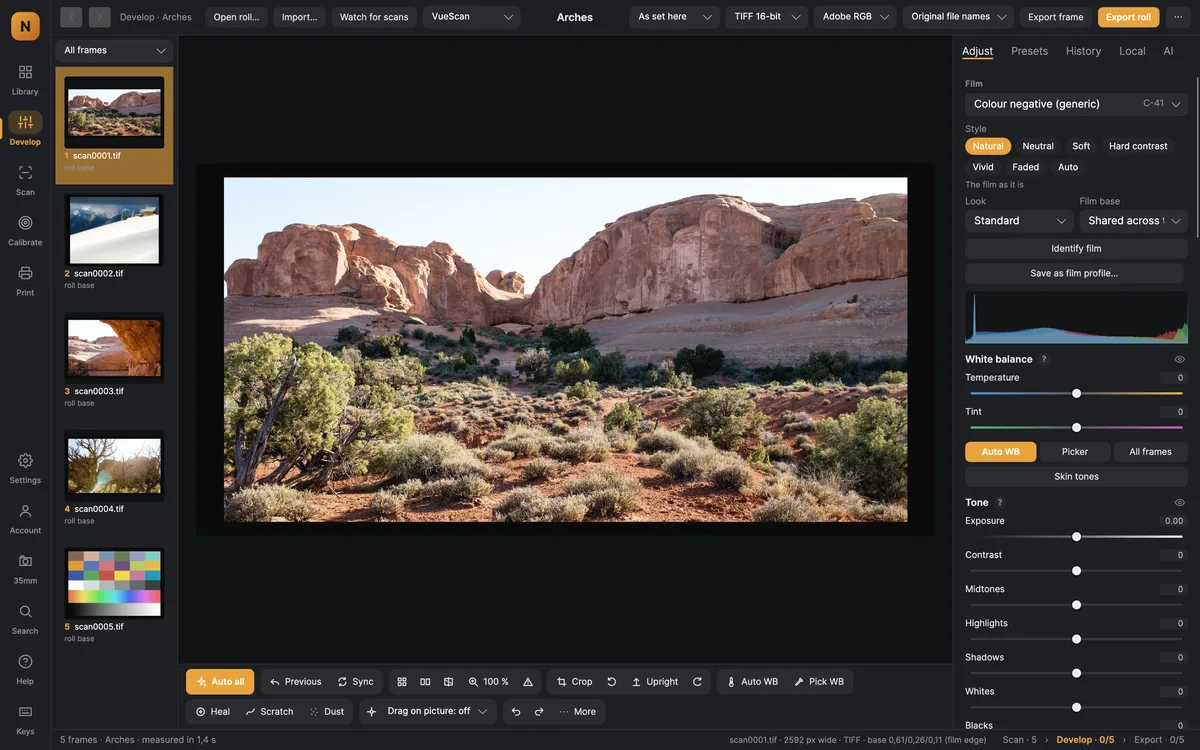
- Each frame can have its own film, look and style; copy settings from the first selected frame.
- More natural colour when colourising, with a choice of three colour models.
AI on your Mac
- Settings → AI models shows each model’s size, licence and whether this Mac can run it.
- Remove and fill, click to select anything, and culling with Apple Vision.