Exposure #
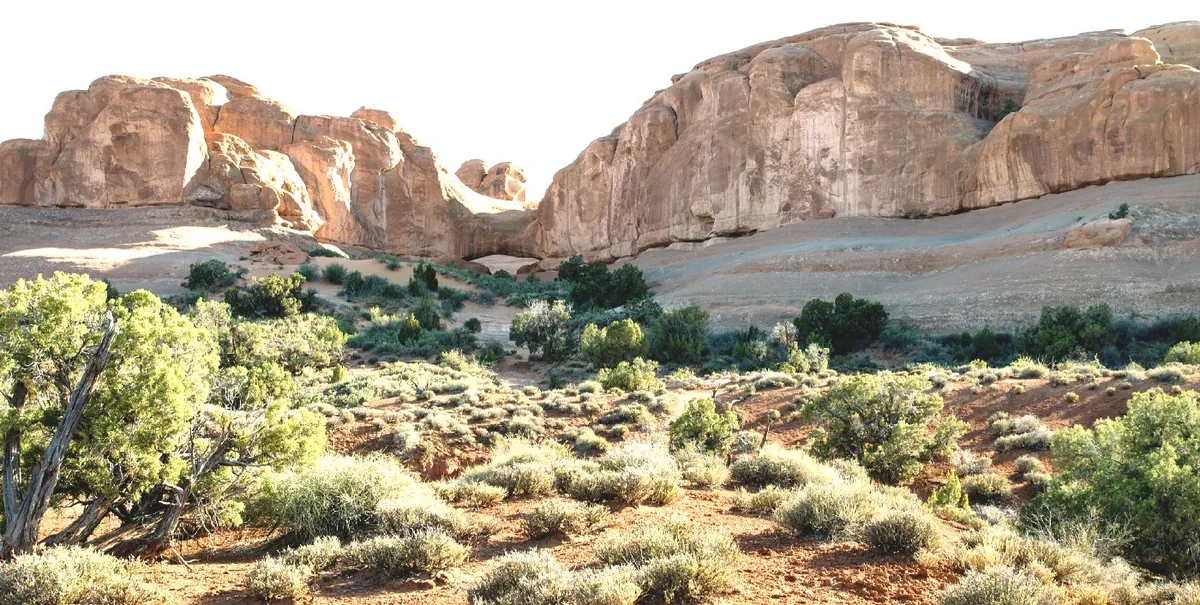
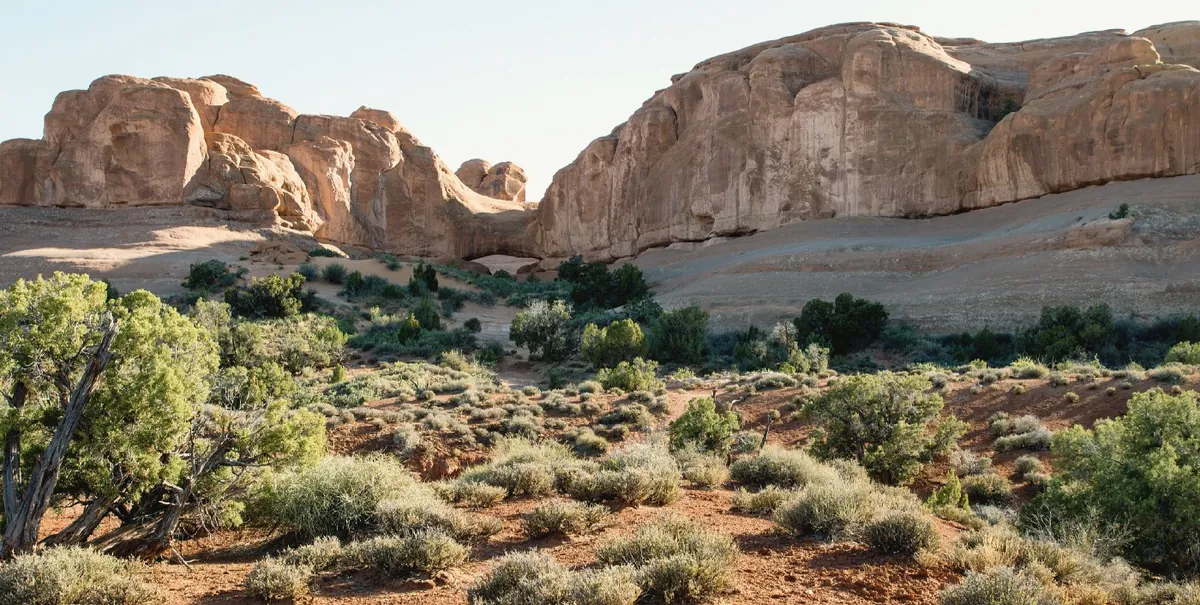
Brighter or darker as a whole, in stops, up to five either way — like giving the print more or less time under the enlarger.
 NegaKit
65 of NegaKit’s tools, each with what it does. Drag across a picture to compare: every one was rendered by NegaKit from the same simulated Portra 400 negatives, with only that option changed.
How bright, how deep and how much contrast — worked out on the negative’s own range, like a print.
Brighter or darker as a whole, in stops, up to five either way — like giving the print more or less time under the enlarger.
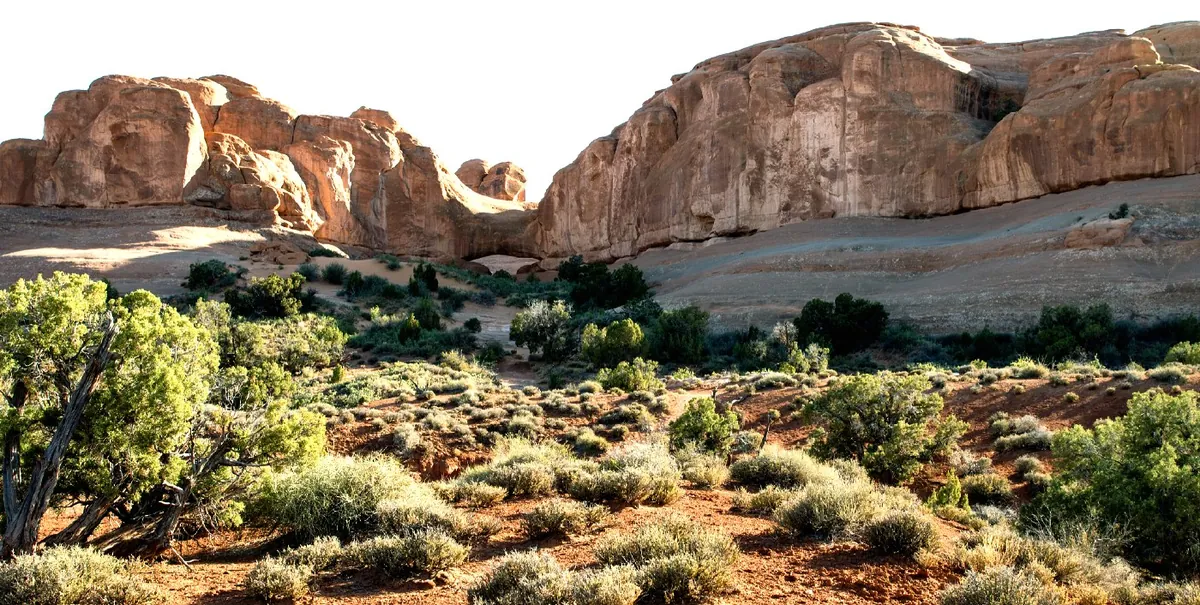
Spreads the tones apart or draws them together around the middle grey, keeping the ends from clipping.
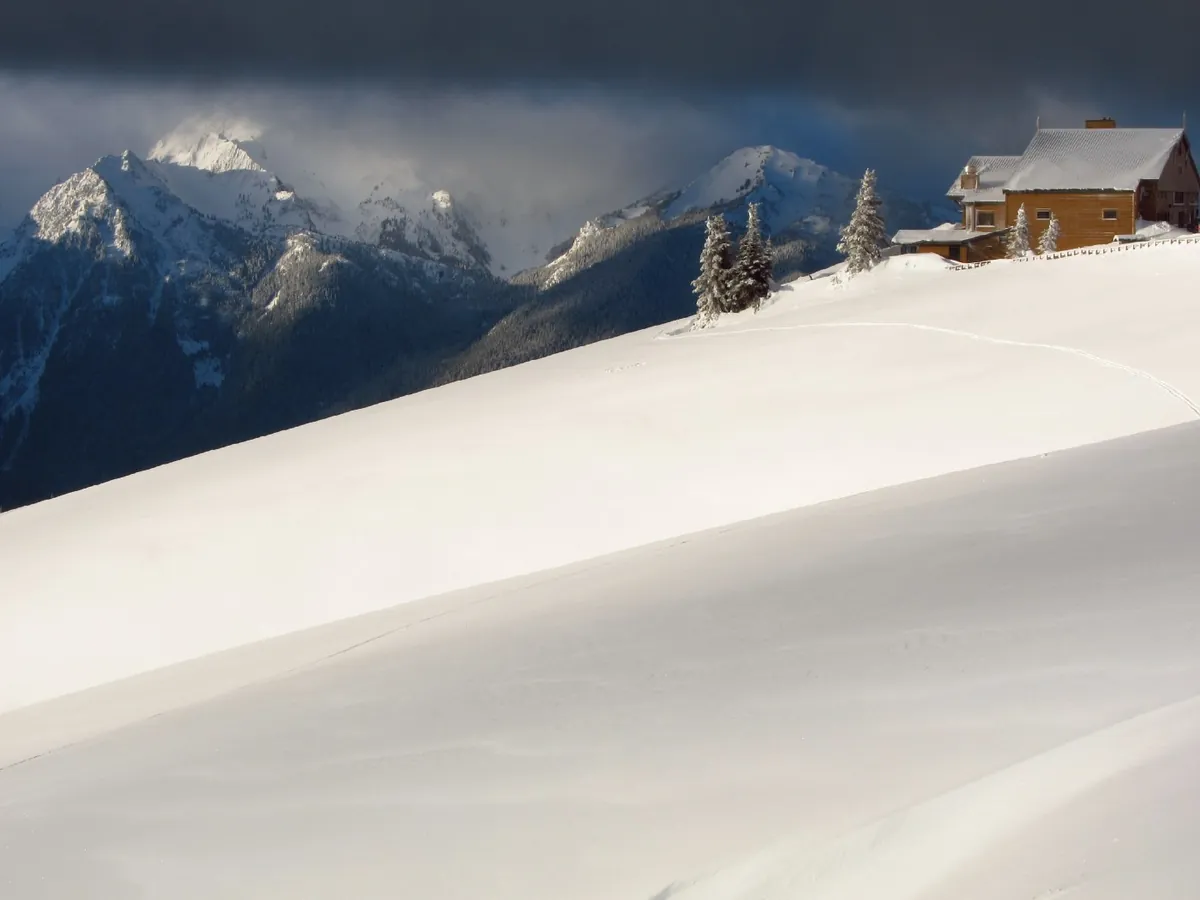
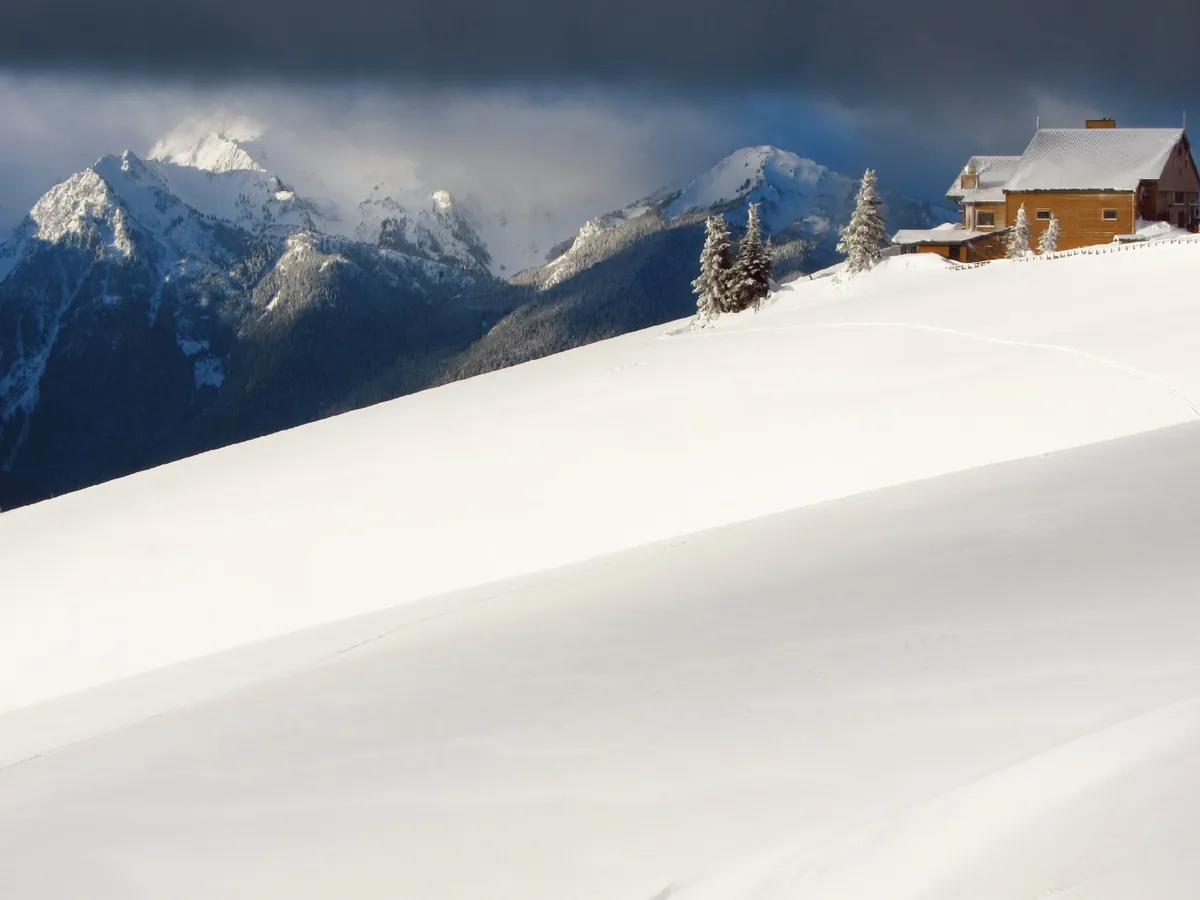
Brings back detail in the brightest parts — snow, sky, white walls — without dimming the rest.
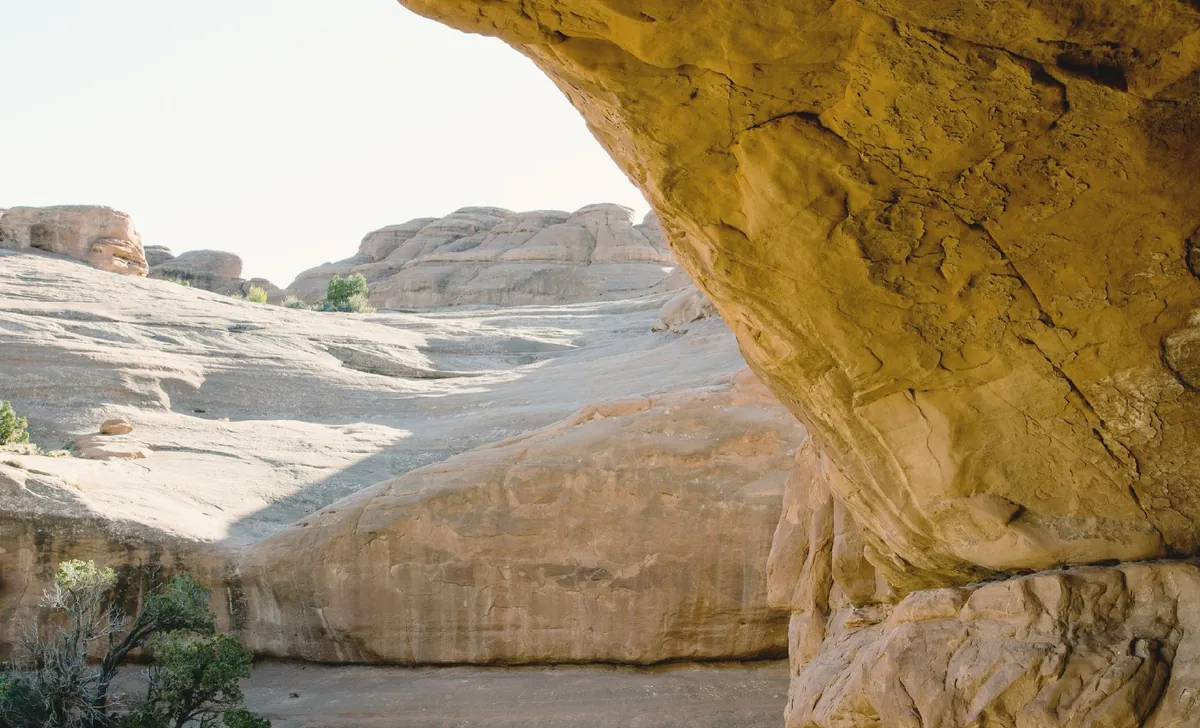
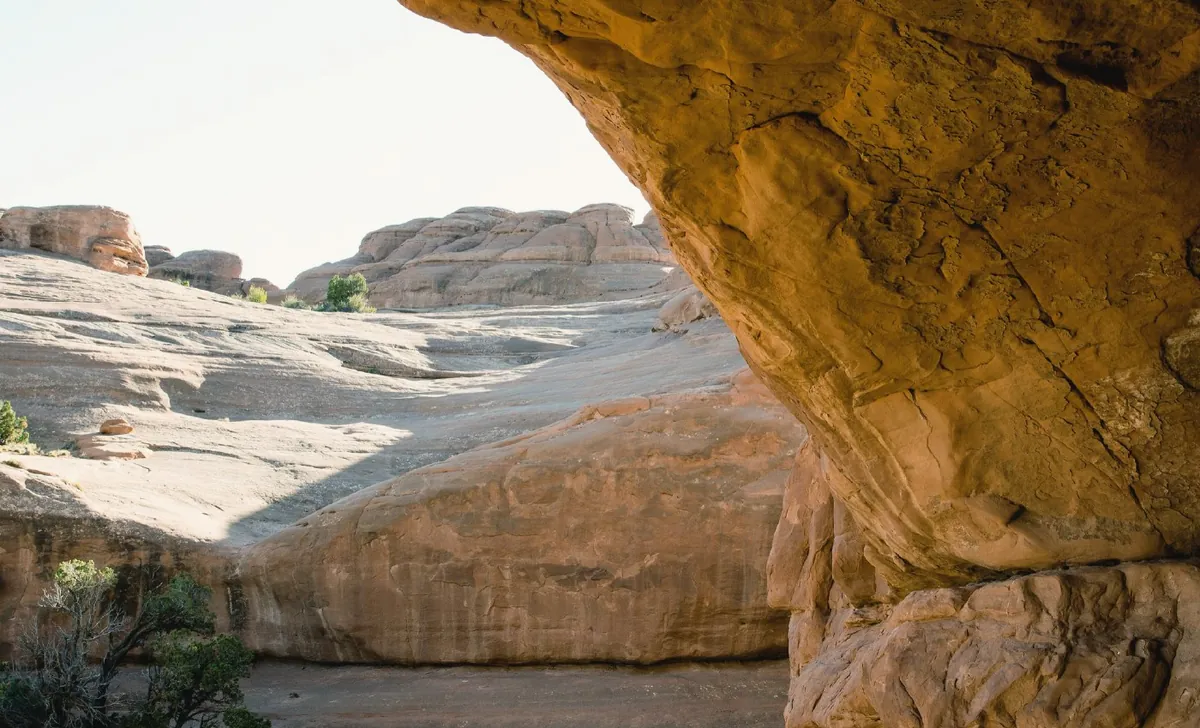
Opens up the dark parts to show what is in them, with an edge-aware reach so there are no halos.
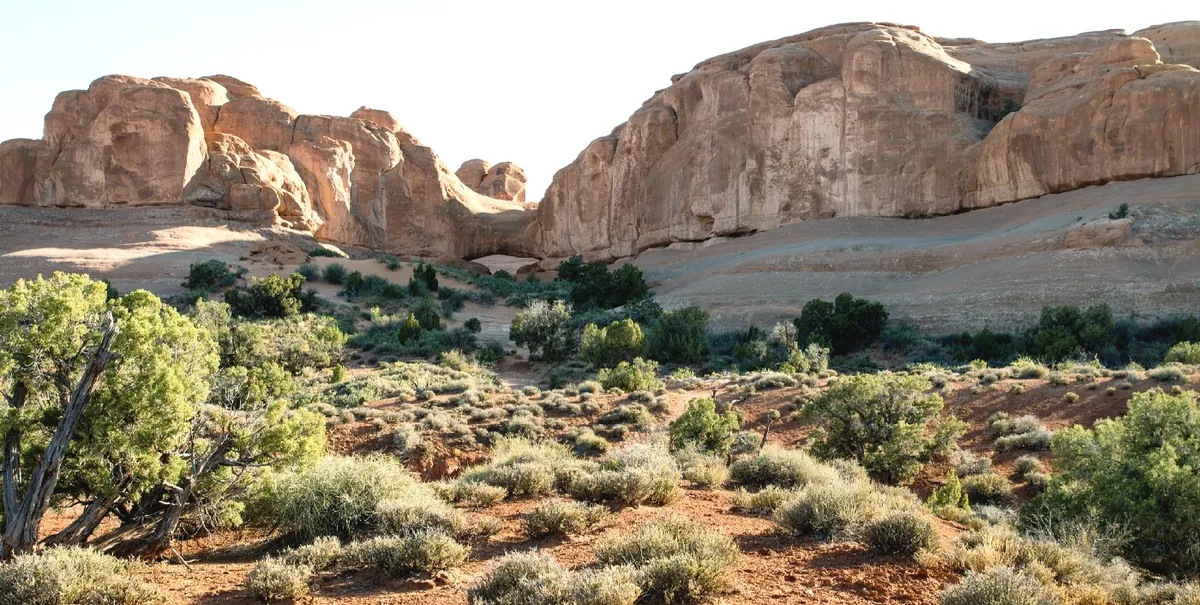
Sets where the brightest tones end: lift for sparkle, lower for a softer, paper-like white.
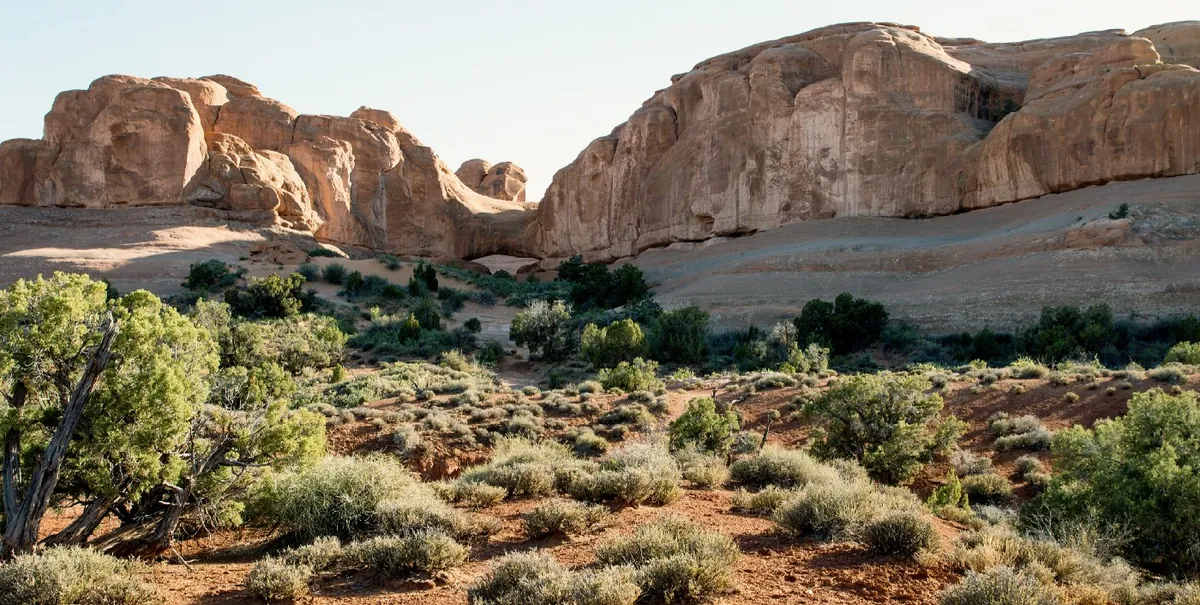
Sets how deep the darkest tones go: deeper for weight, lifted for a matte, faded print.
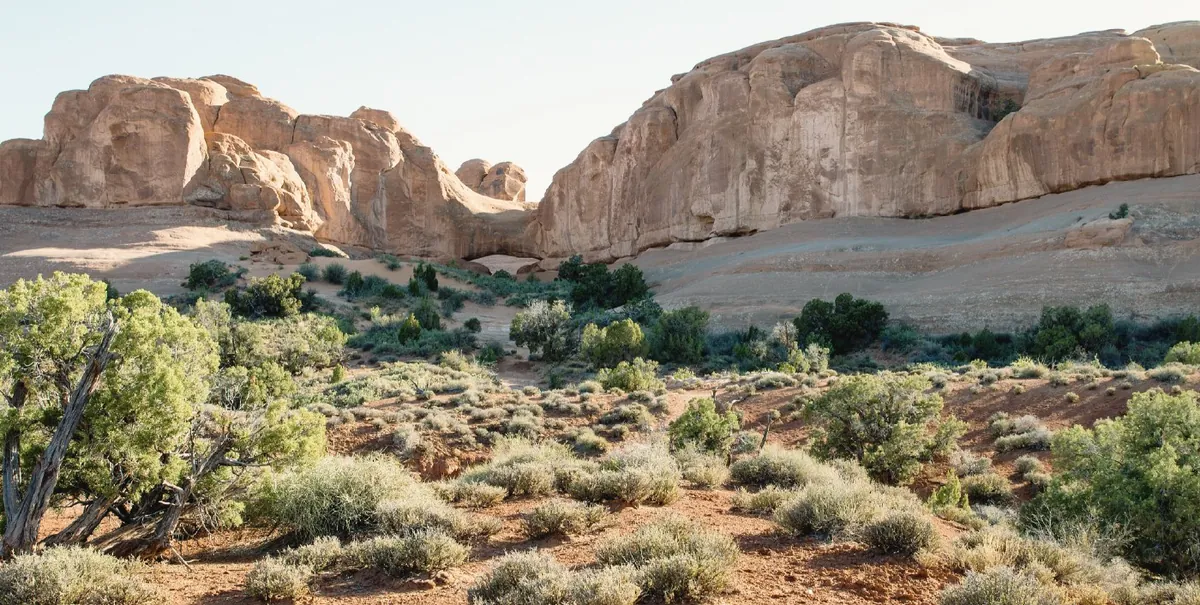
Lightens or darkens the middle of the scale — faces, foliage, stone — leaving black and white where they are.
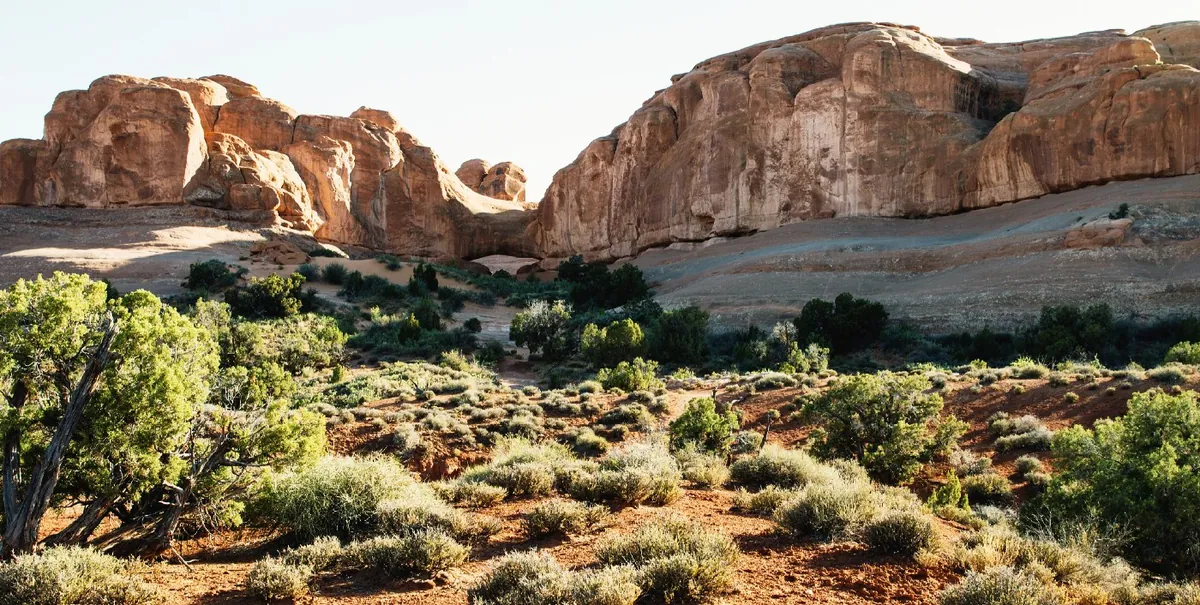
The full curve: points, region sliders, per-channel curves and a lightness-only mode that keeps colour. Here a gentle S for more depth.
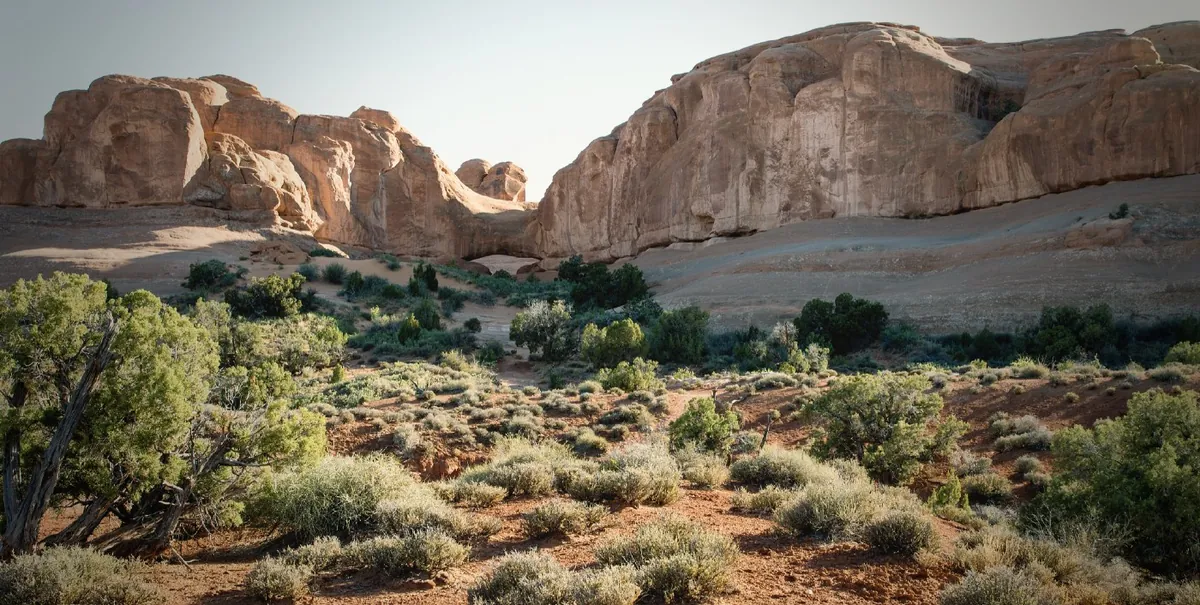
Darkens or lightens the corners, as an old lens or a printer’s burning-in would.
Colour from the film base up: the orange mask removed by measurement, then shaped the way you want.
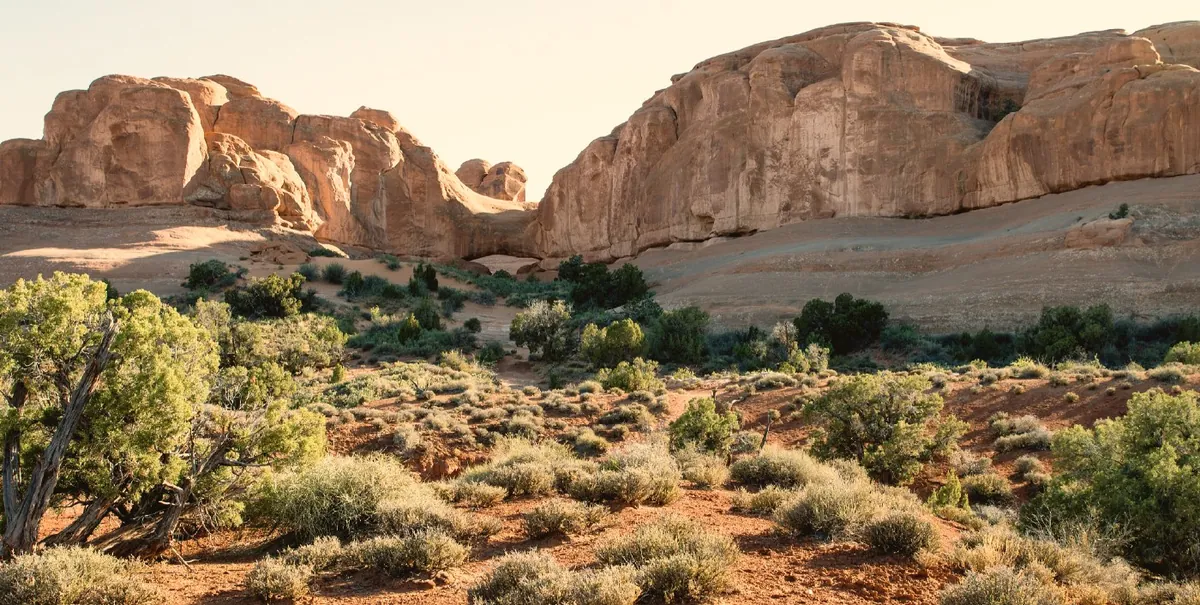
Warmer or cooler light. Auto white balance and a picker set it from the picture; it can follow across the roll.
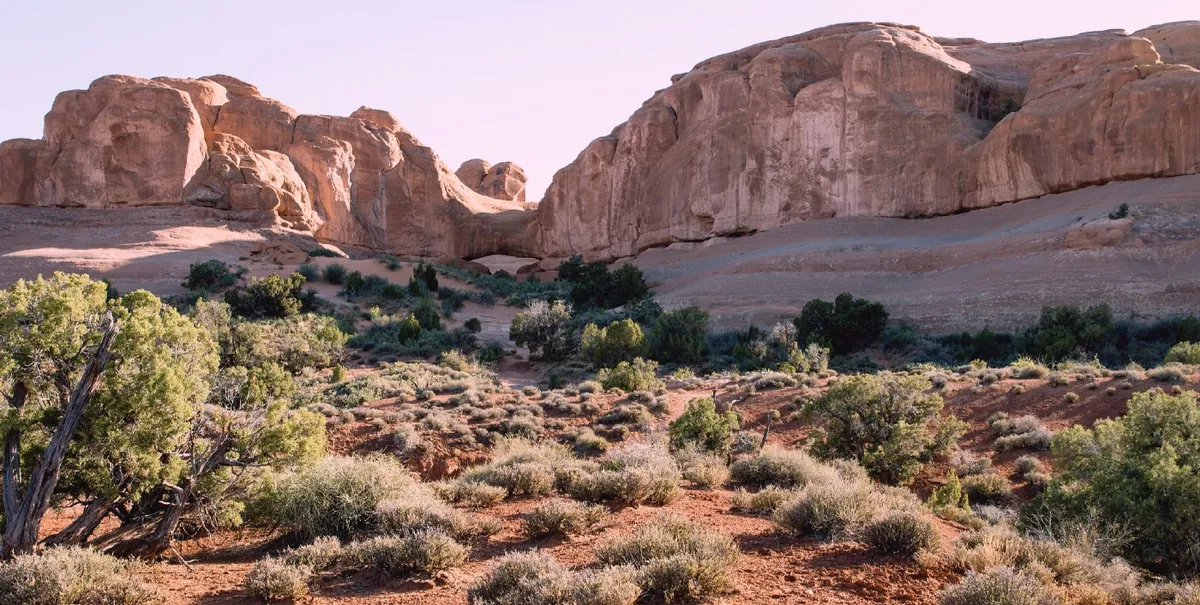
Towards magenta or green, for fluorescent light, shade under leaves, or a lab’s cast.
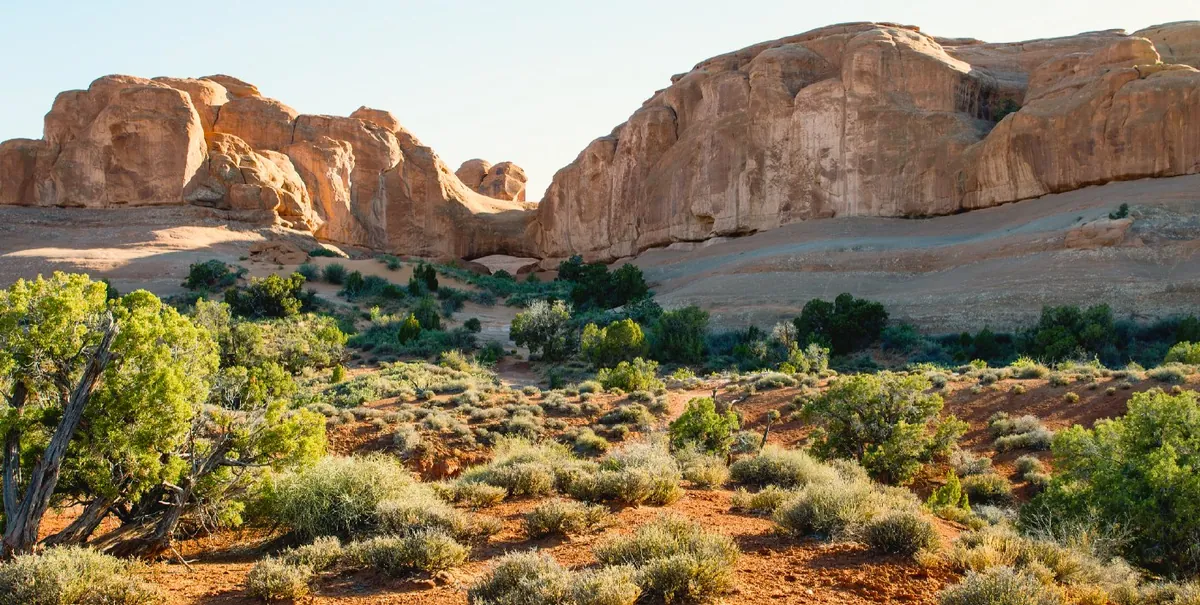
More or less colour everywhere, evenly.
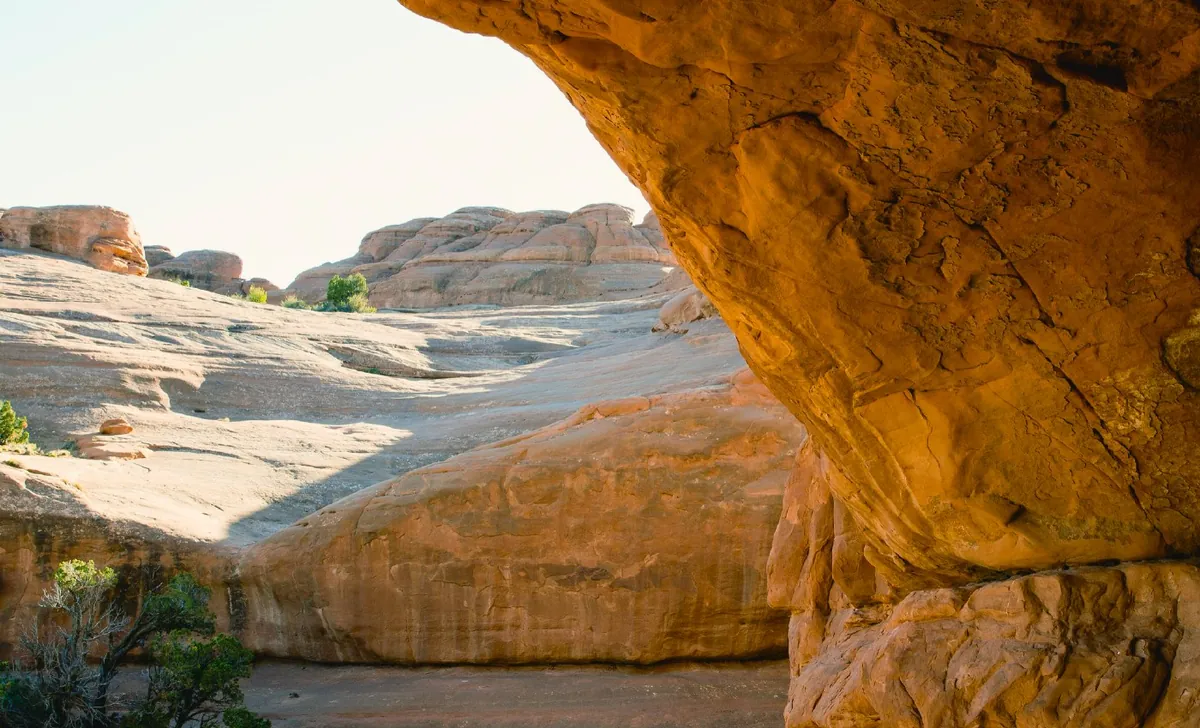
More colour where there is little, less where there is a lot — and skin is protected.
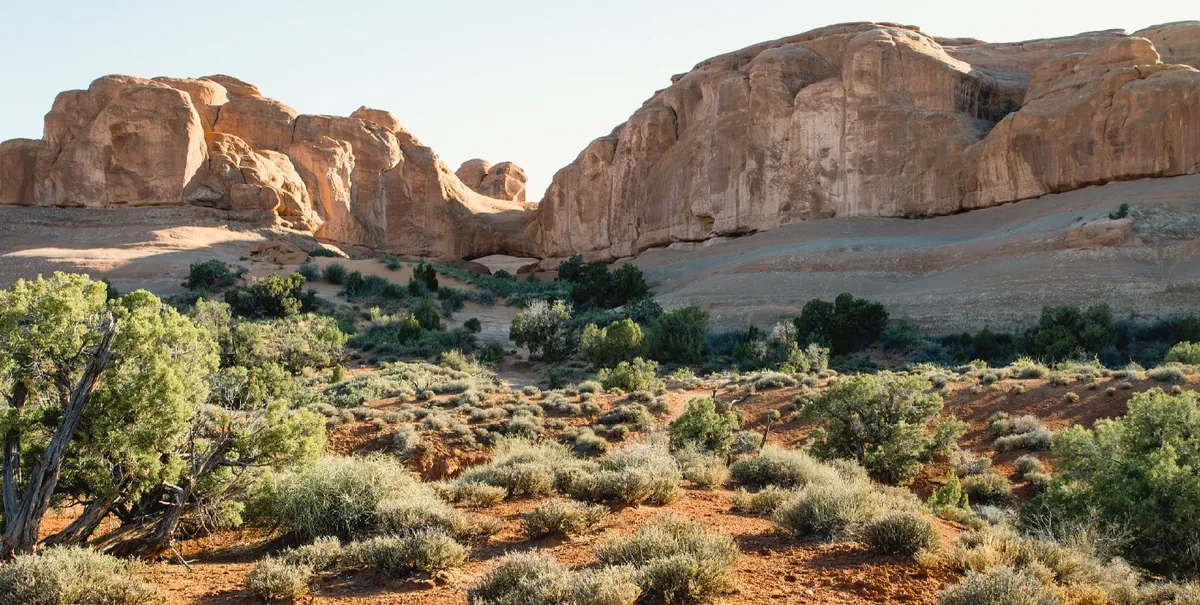
Eight colour bands on their own: here the sky’s blue deeper and the rock’s orange richer, nothing else moved.
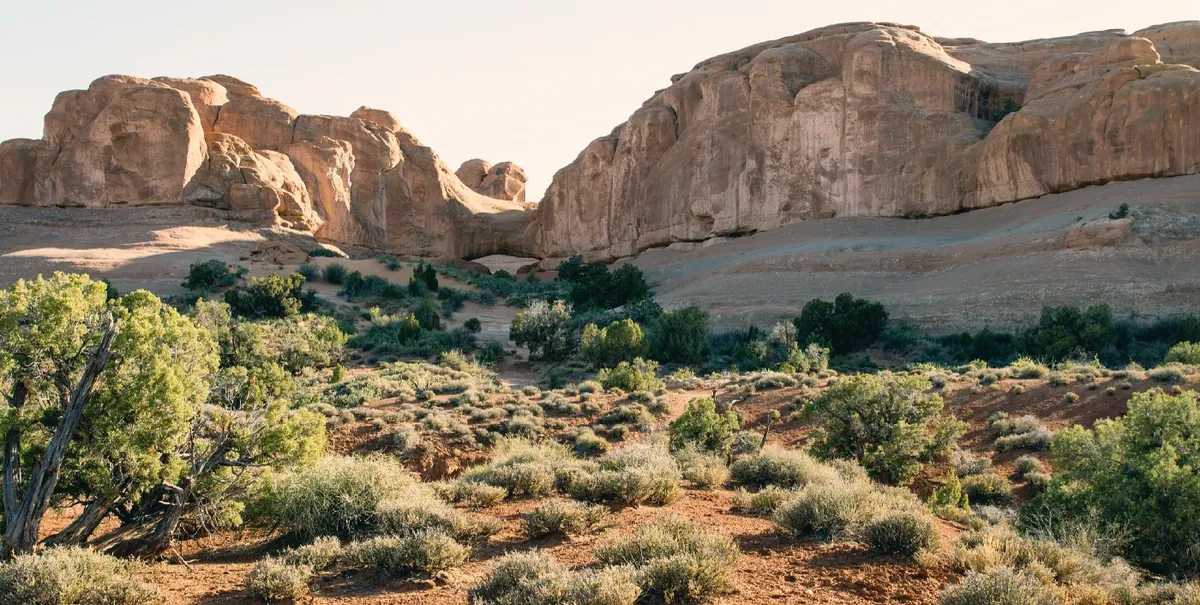
A colour for the shadows and another for the highlights — cool shadows and warm light here.
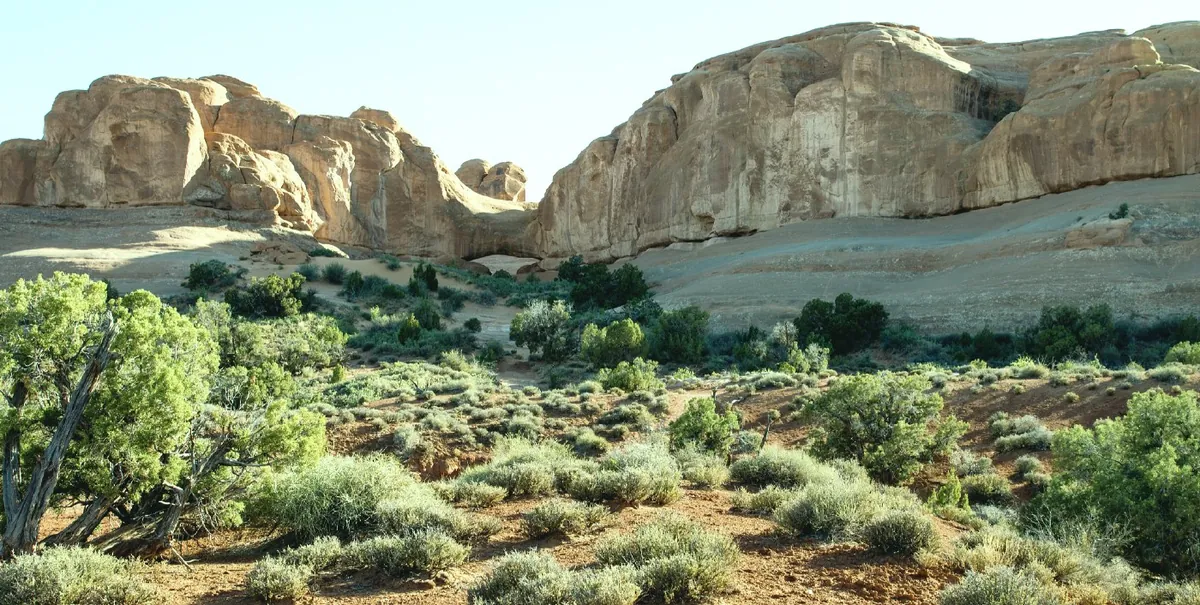
Shadows, midtones, highlights and global wheels with balance and blending, as in film grading. Here teal shadows and amber highlights.
Yellow, magenta and cyan filter values, the way a colour printer corrects at the enlarger.
Sharp where it should be, and grain that looks like grain.
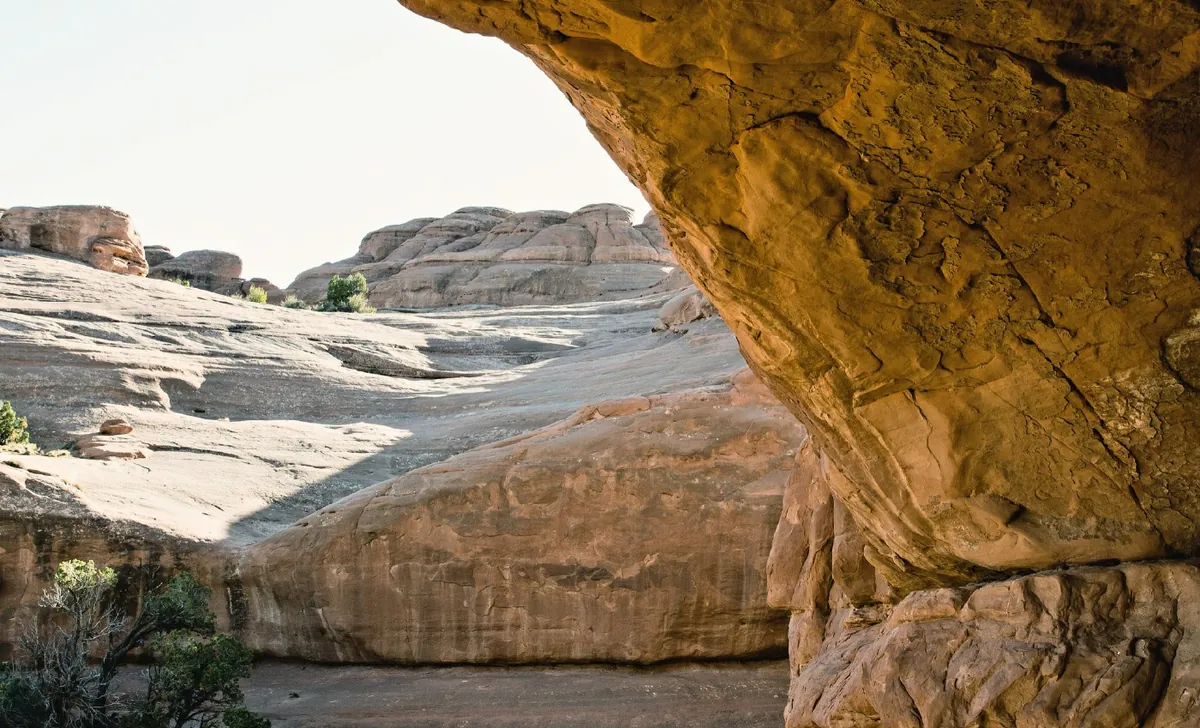
Local contrast in the middle tones: texture in stone and bark without touching the overall contrast.
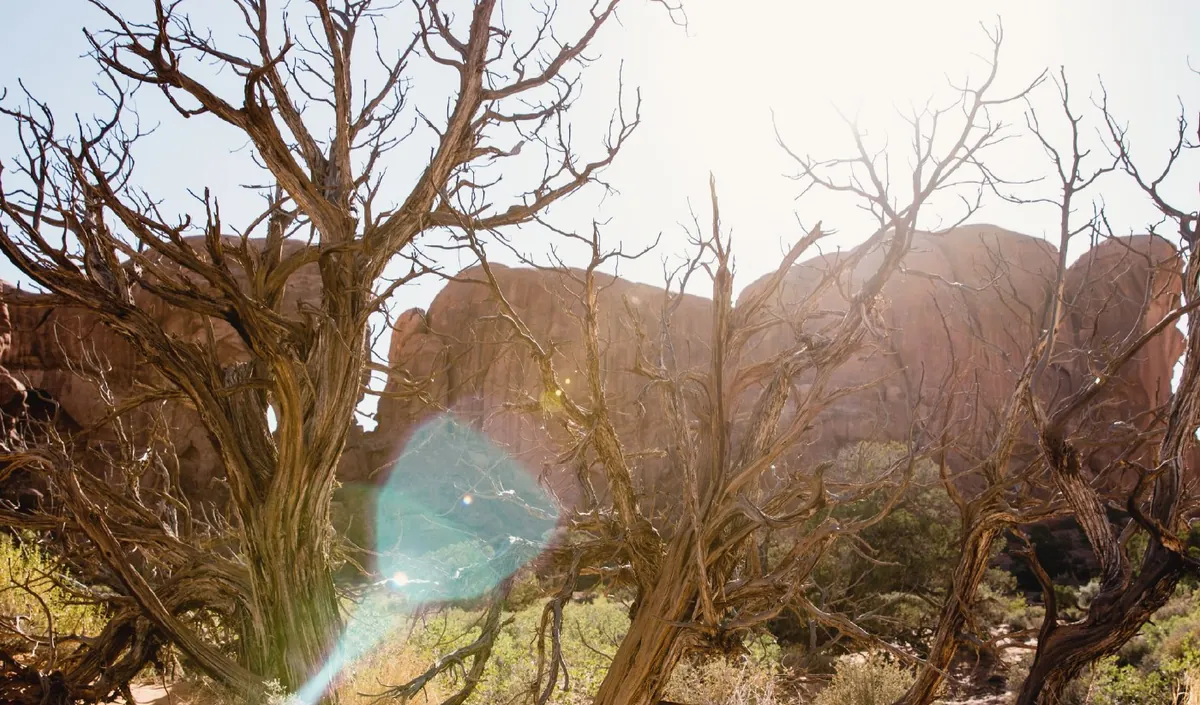
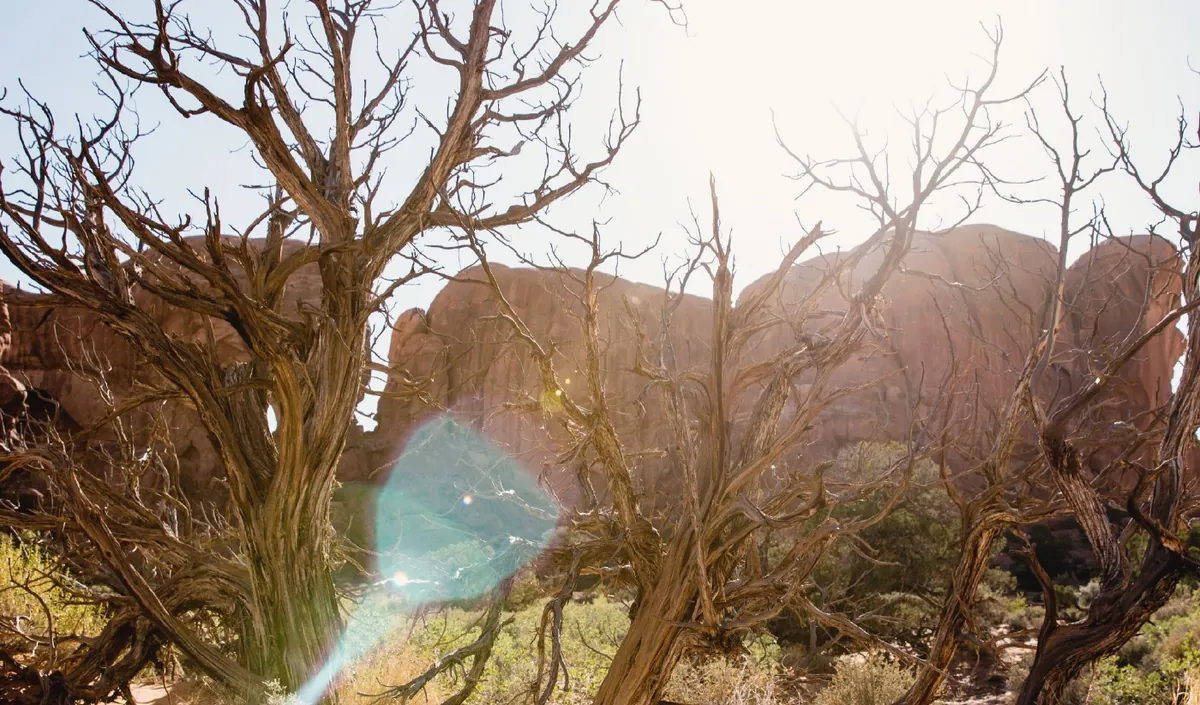
Capture sharpening with a radius, tuned not to sharpen the grain into noise. The scanner’s own blur can be undone too.
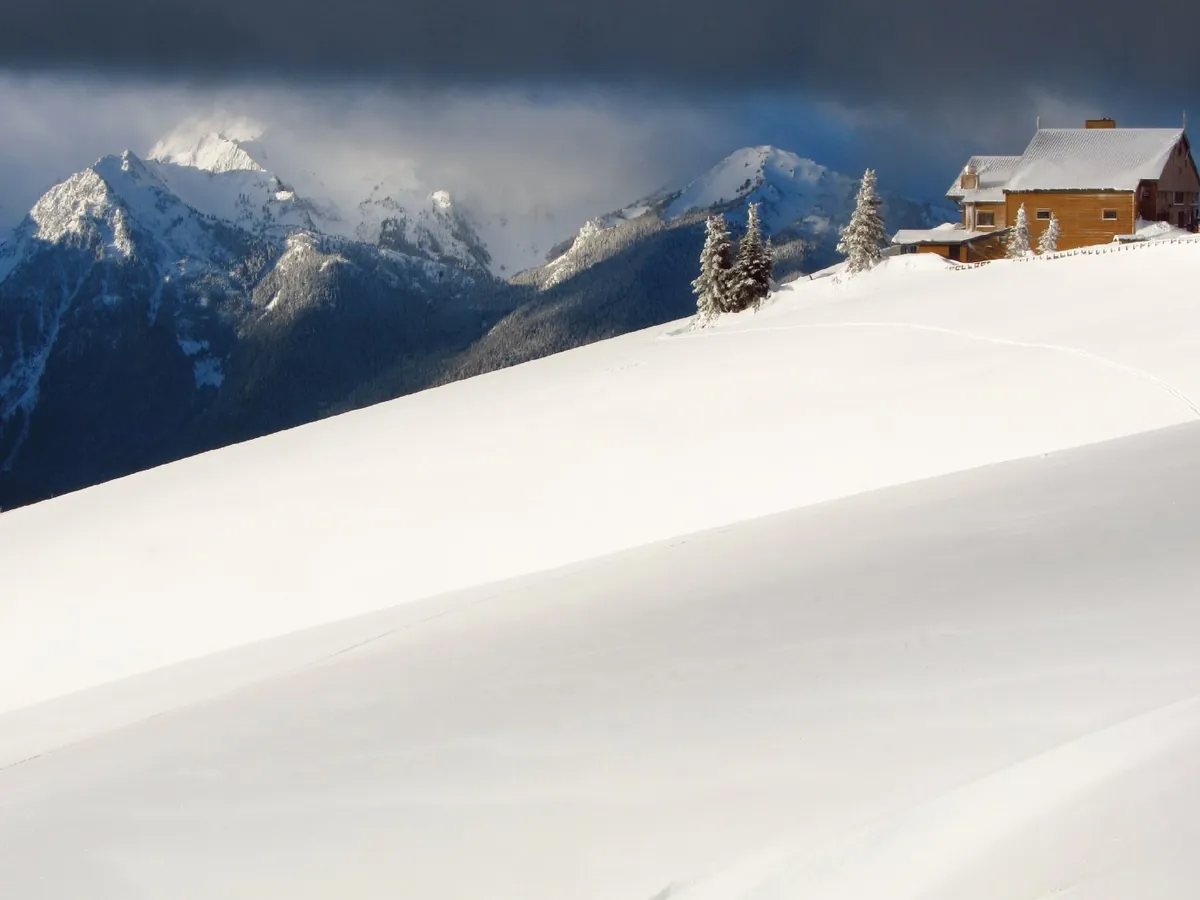
Adds film grain where a scan shows too little, or for a look. Grain reduction and noise reduction work the other way.
Tell NegaKit the film and it converts the way that stock prints; the look is the lab, the style is your taste.
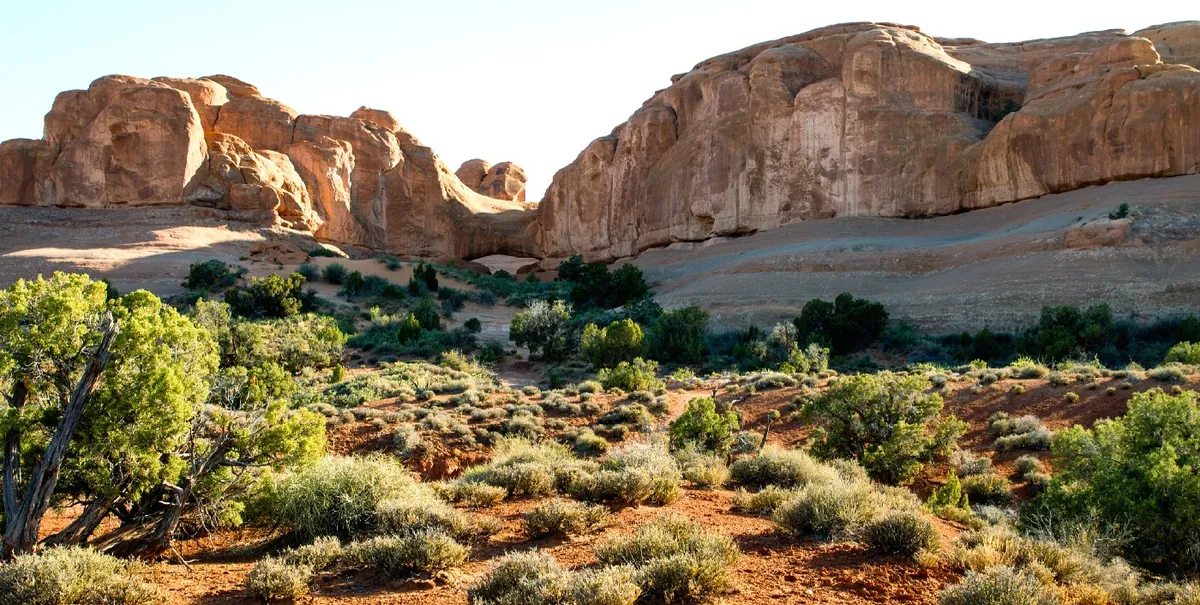
The same negative converted as Kodak Ektar 100: its contrast and saturation. Profiles cover current and classic stocks, and you can make your own.
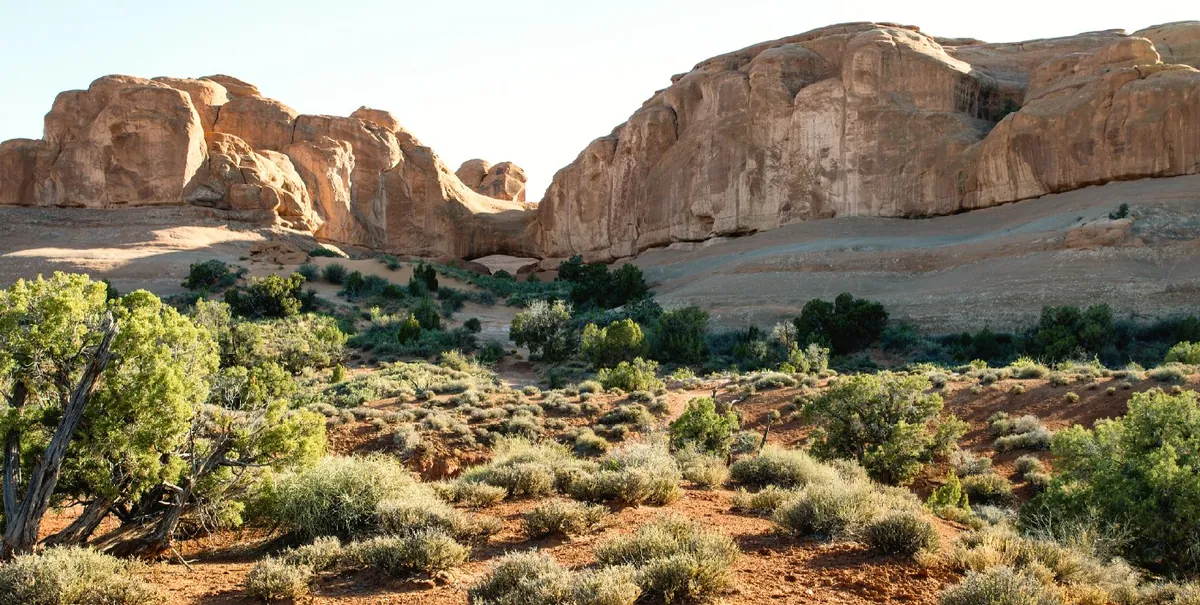
As Kodak Gold 200: warmer, the consumer-film glow.
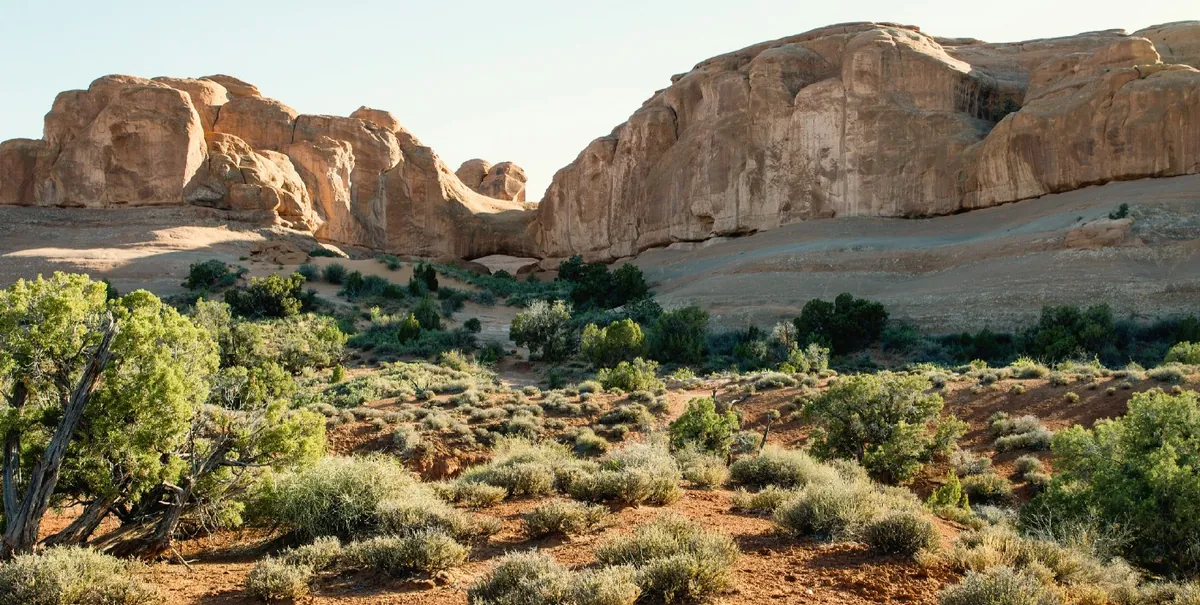
Like a Fuji Frontier lab scan: cooler greens, crisp.
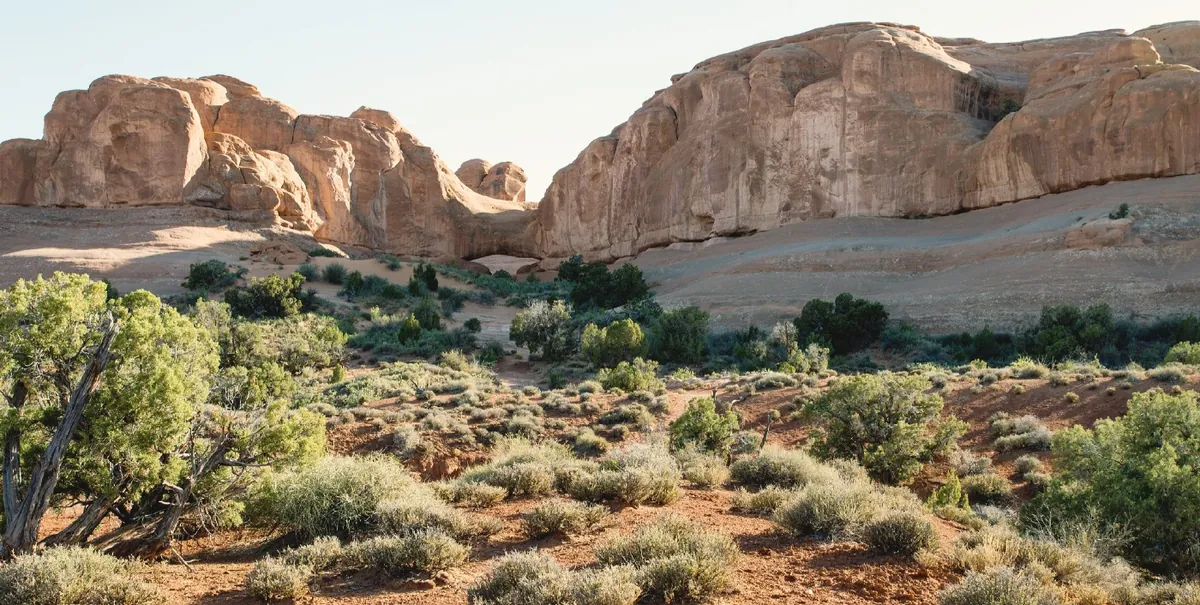
Like a Noritsu lab scan: warm, soft, open shadows.
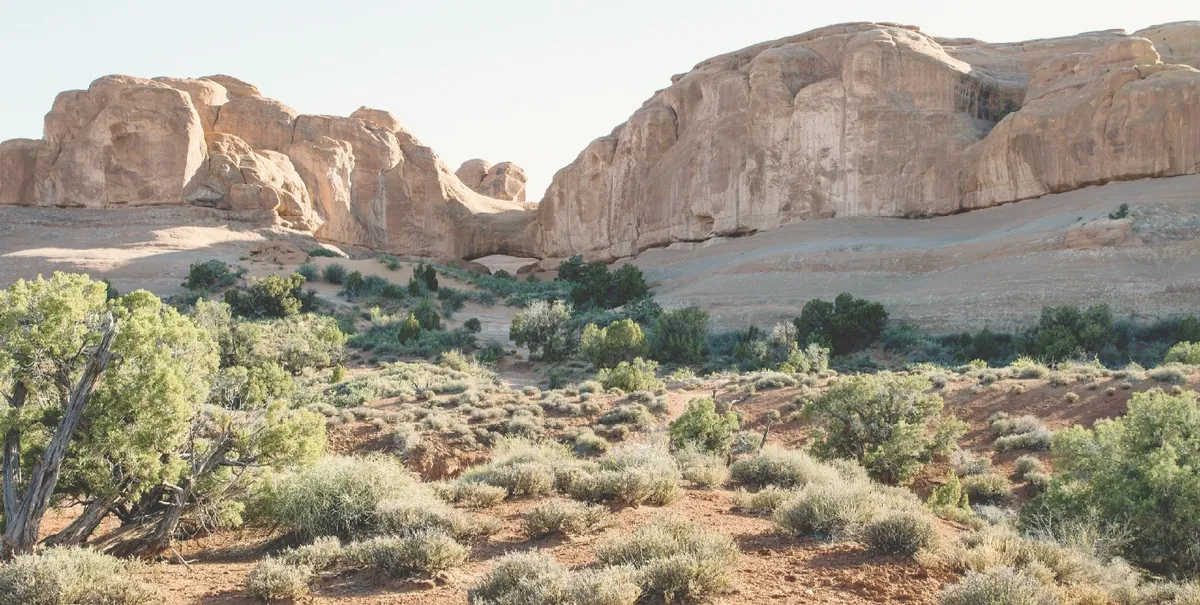
Everything kept, low contrast: a starting point for your own grading.
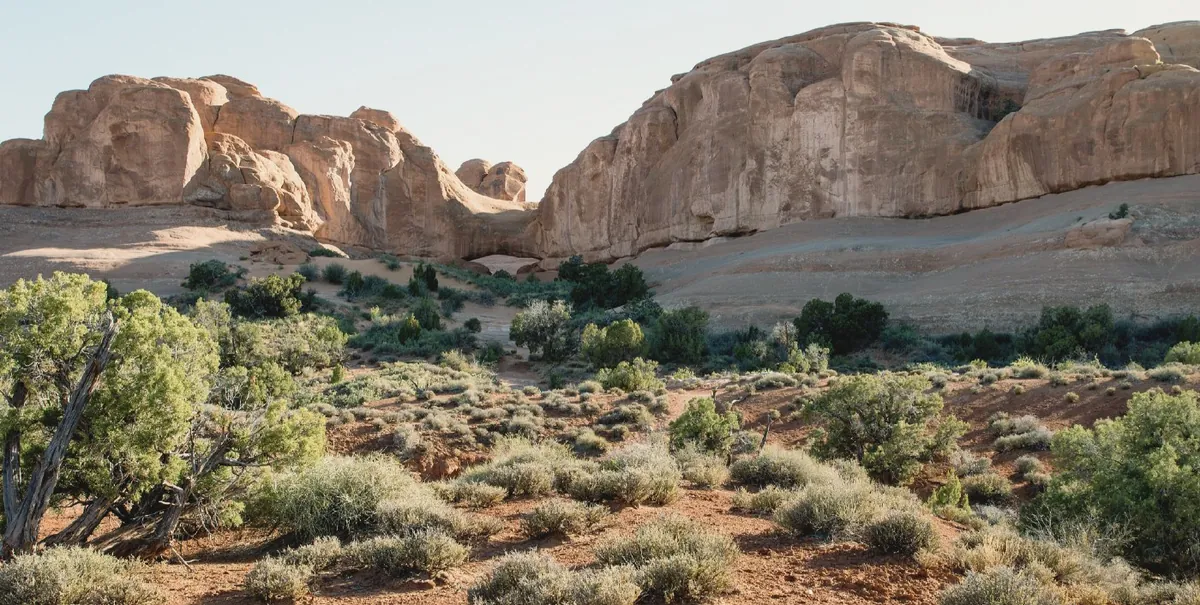
Low contrast, open shadows, gentle highlights. Styles also come as Natural, Neutral and Auto.
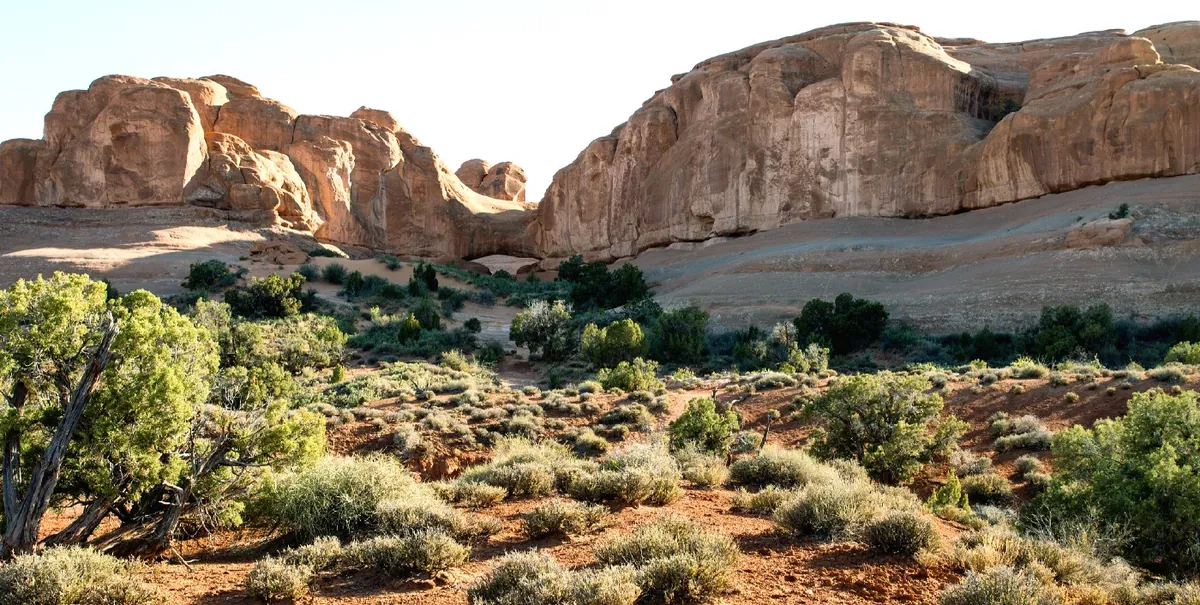
Deep blacks, punch and bite.
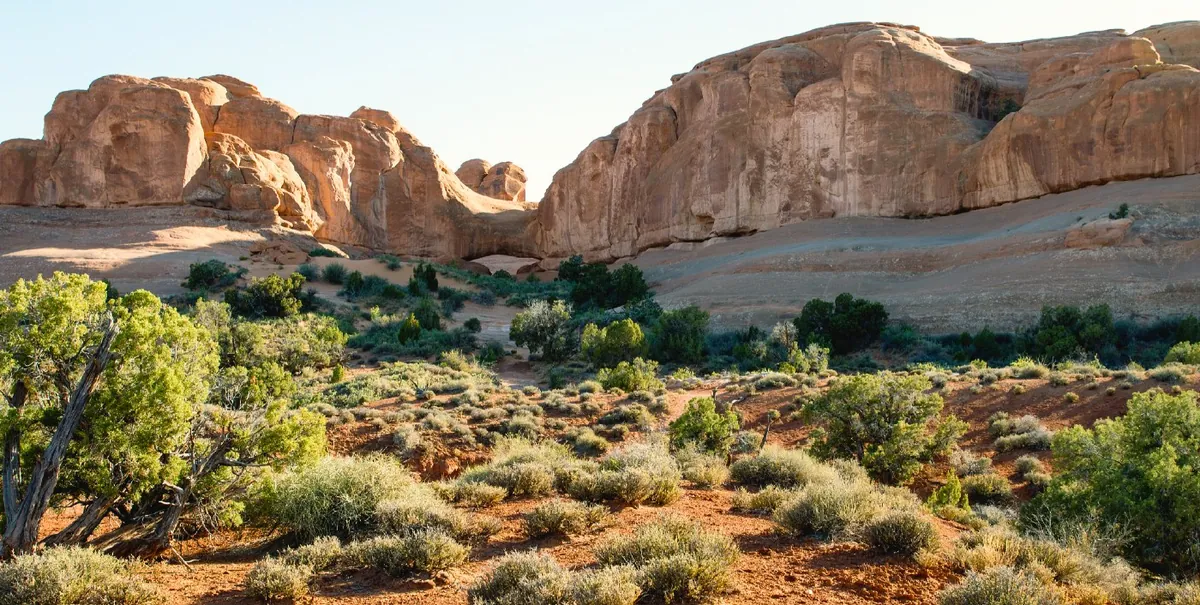
Richer colour for colour film.
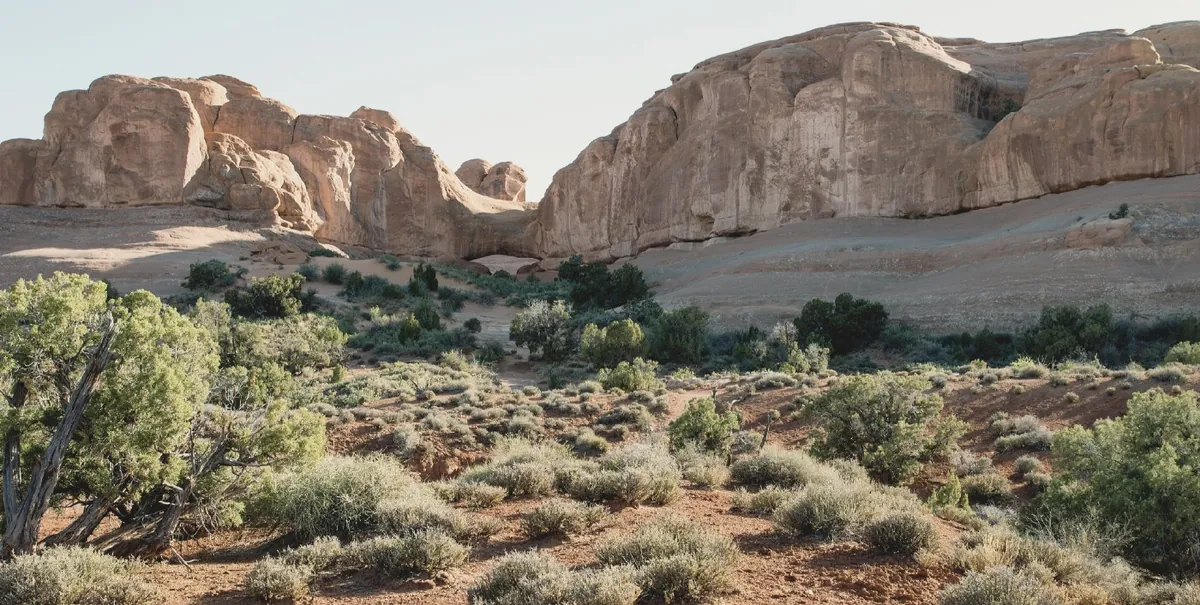
Lifted blacks and muted colour, like an old print.
Fifteen ways to turn colour into grey — film sensitivities, filters and looks — then tone it like a darkroom print.
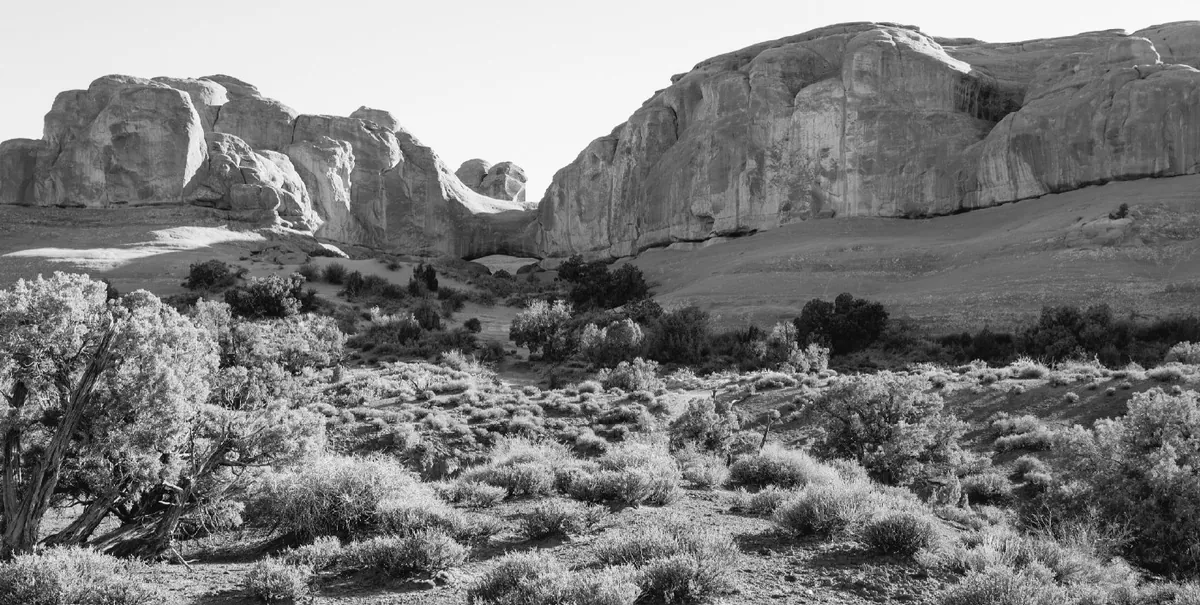
Each colour as bright as its luminance: the plain conversion.
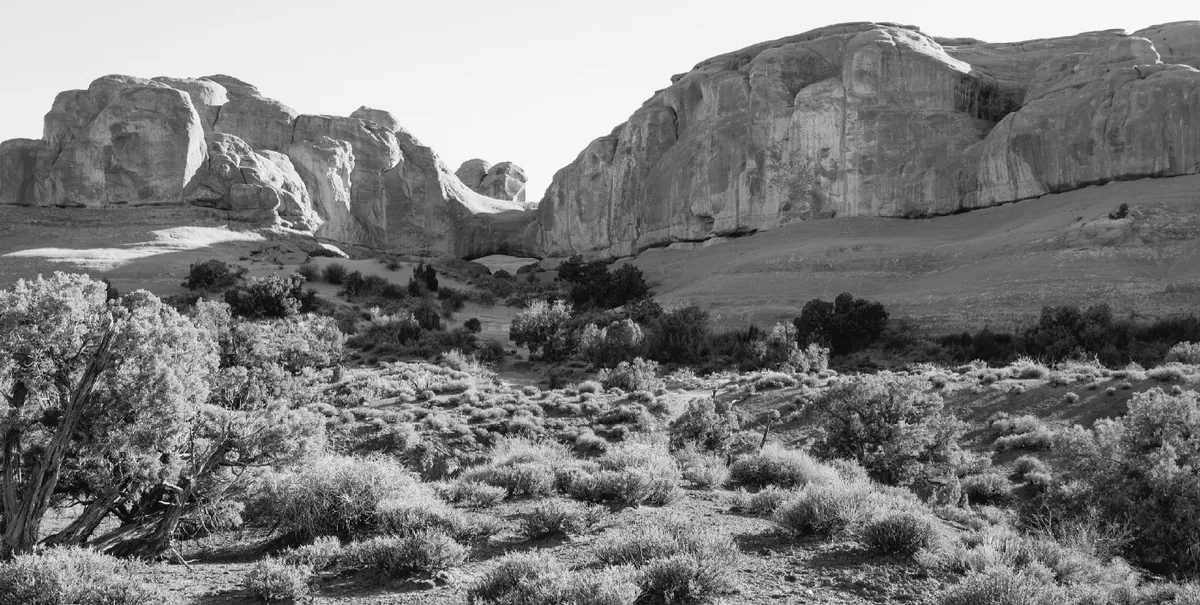
Panchromatic film’s sensitivity: skies a little lighter, reds a little brighter than the eye sees.
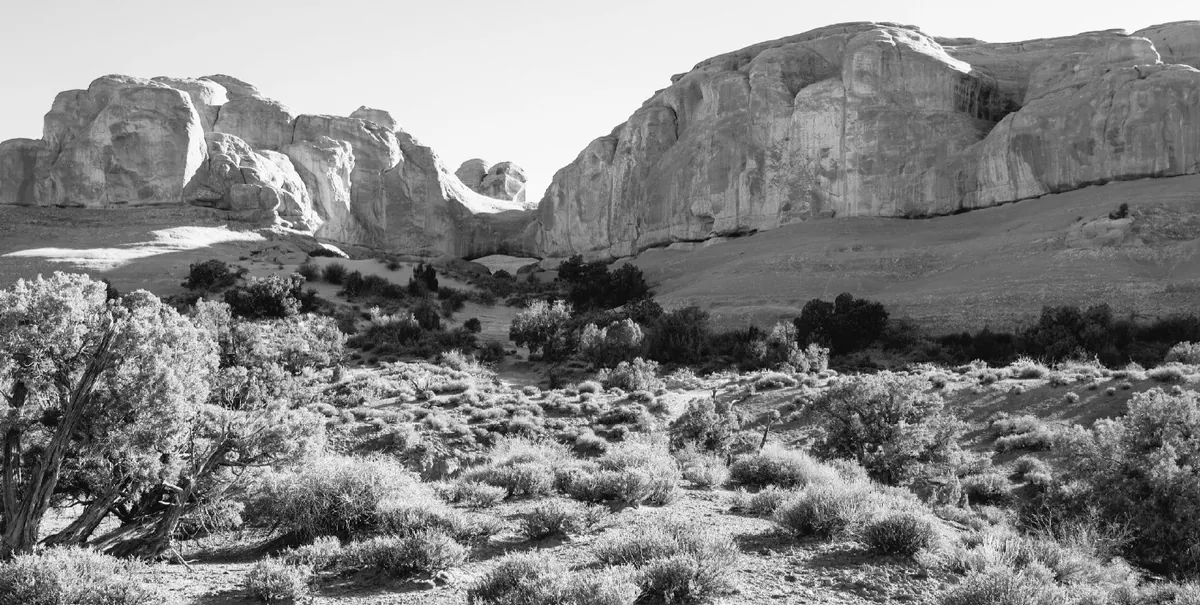
Dramatic: blue skies go dark, red rock and clouds go light.
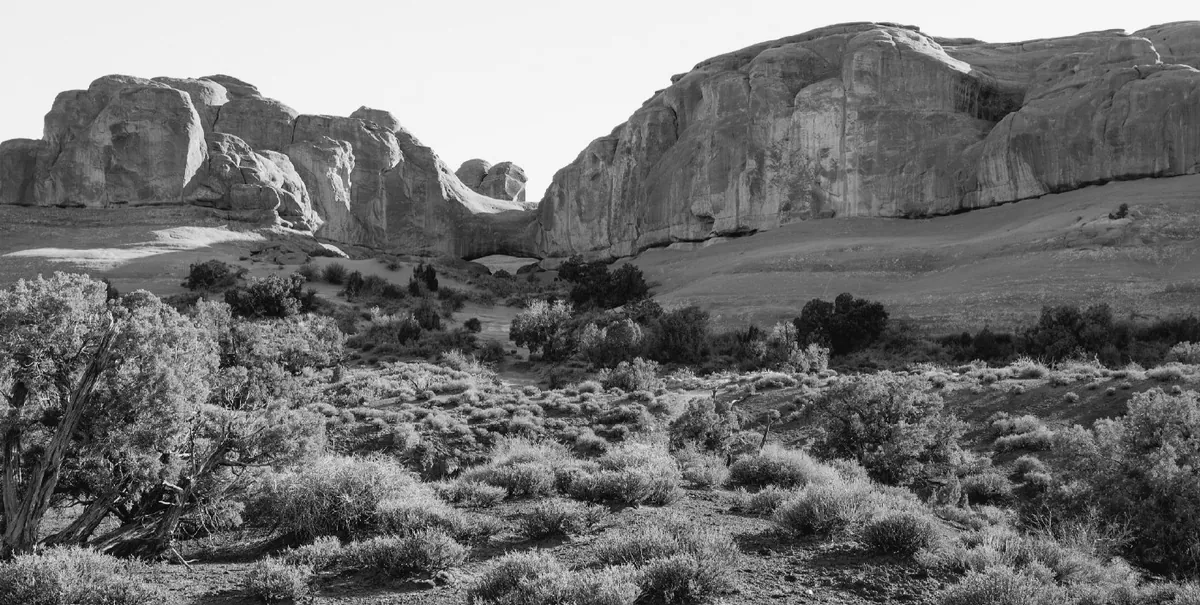
Film blind to red: red goes dark, skies go white — the old-plate look.
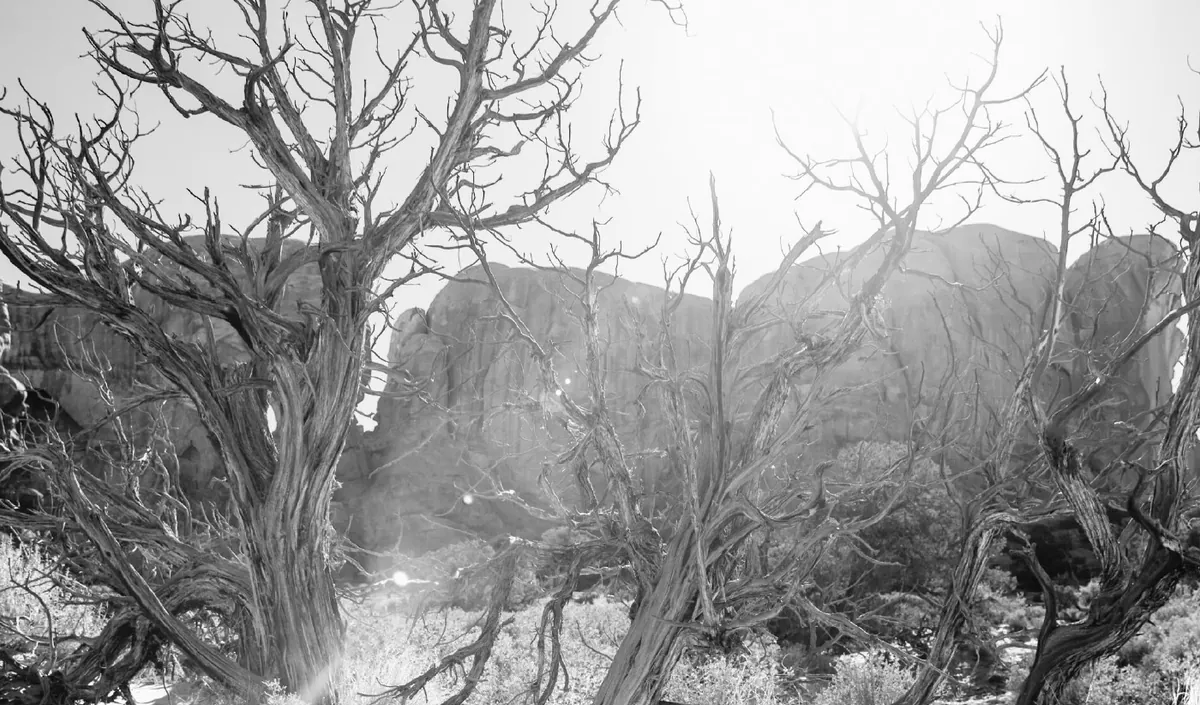
Foliage white and skies black, as with R72 infrared film.
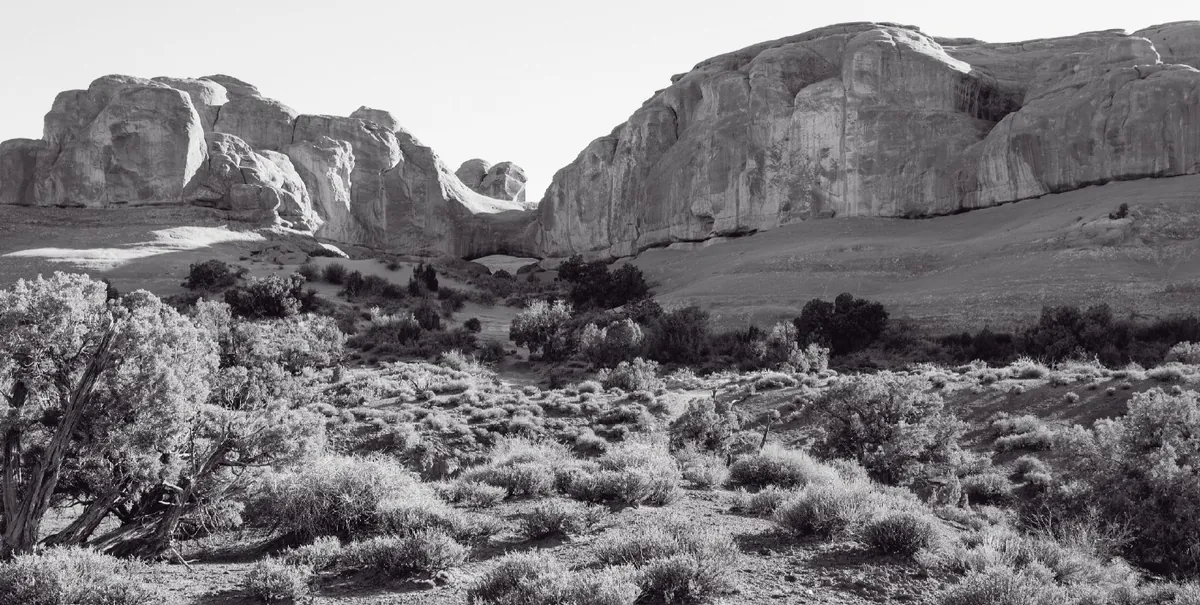
Cool purple-brown blacks, a little deeper, highlights untouched.
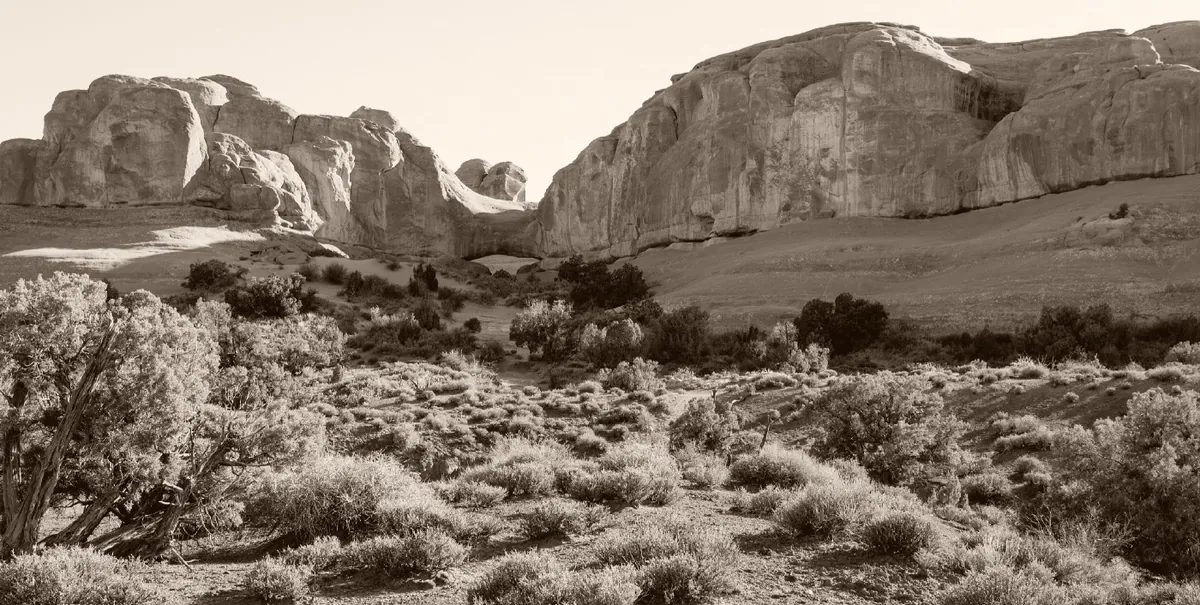
Warm brown throughout, strongest in the midtones.
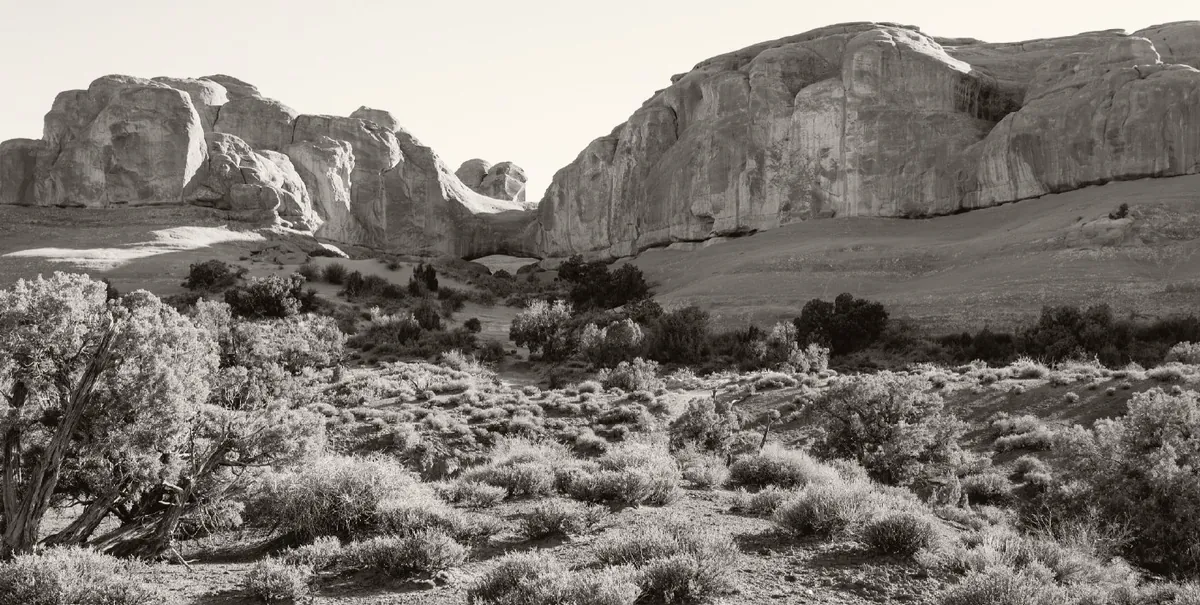
Warm neutral blacks, creamy paper, long soft highlights.
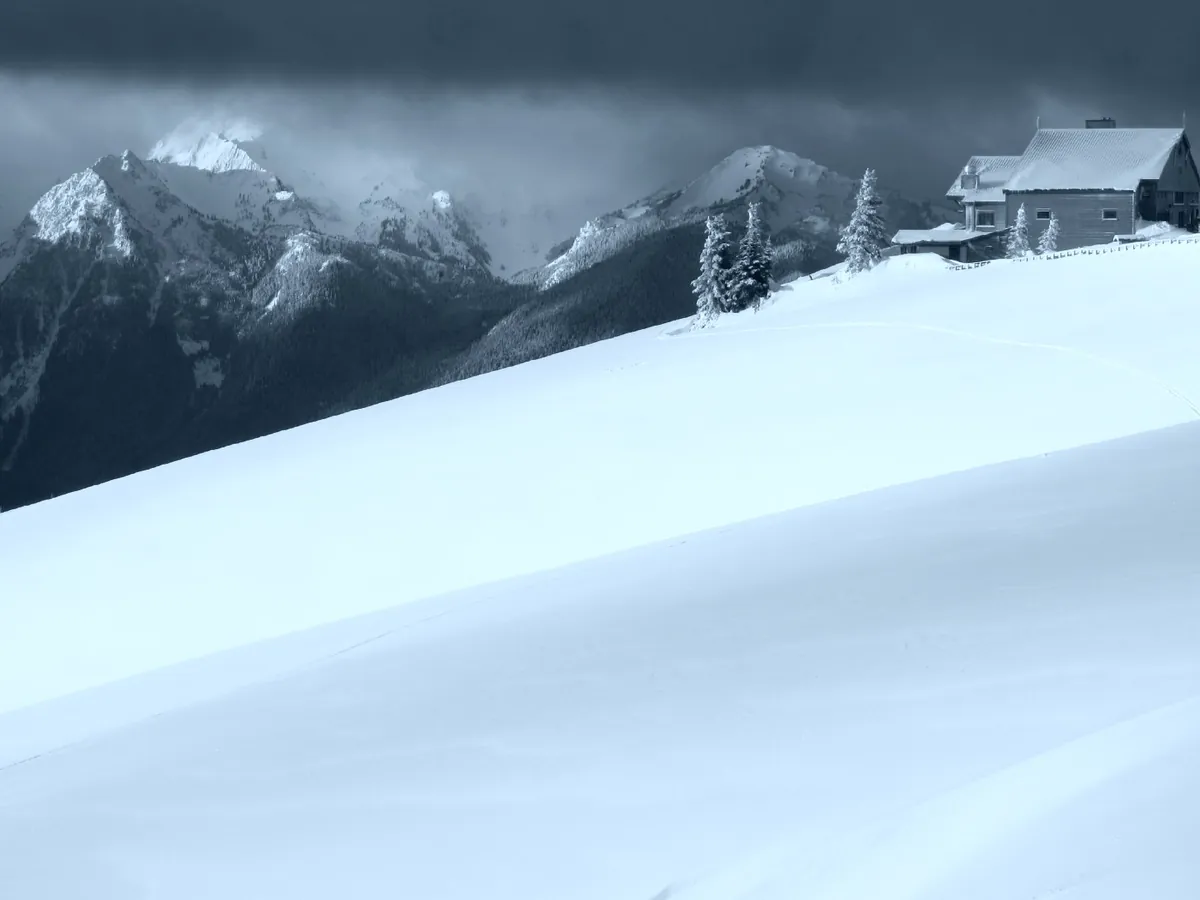
Prussian blue on white paper.
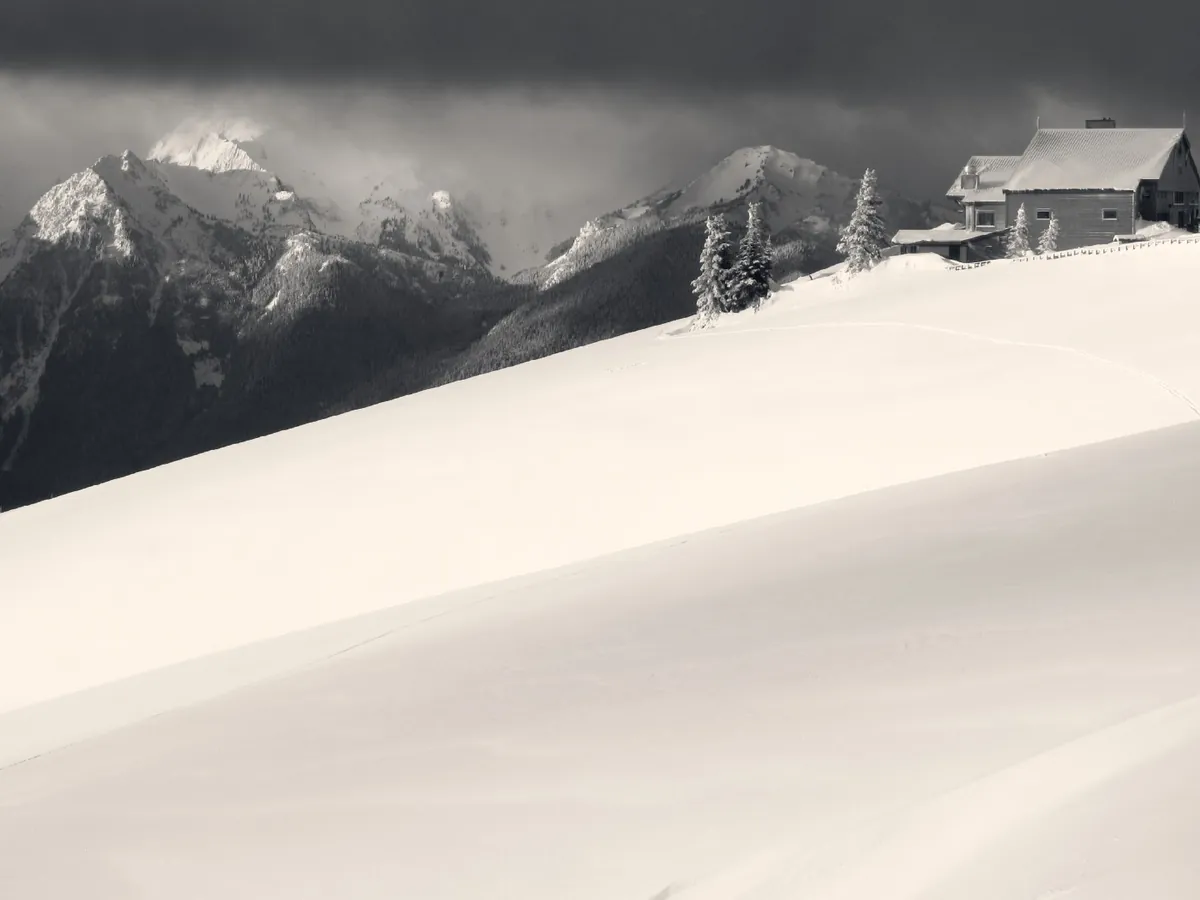
Cool shadows and warm highlights, as selenium then sepia.
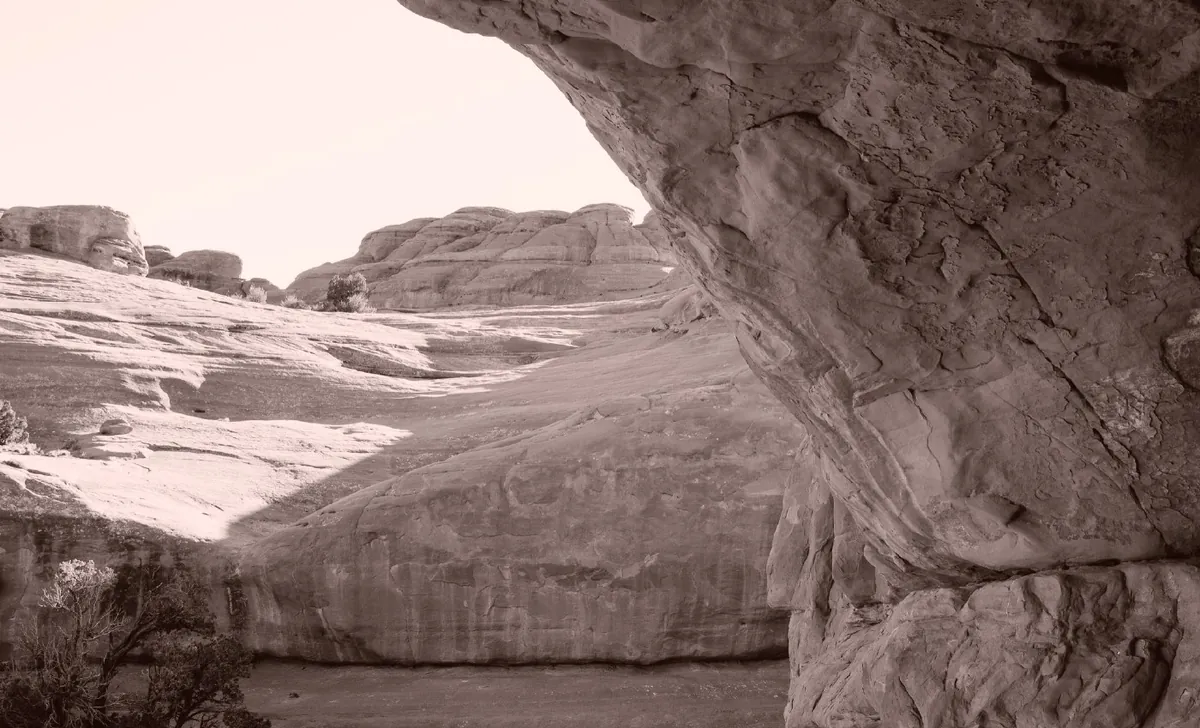
Peach-pink highlights and warm brown shadows of lith developer.
Nearly eighty built-in looks on shelves by purpose: film stocks, camera looks, darkroom prints. Each previews on your frame before you apply it, and can be applied at any strength.
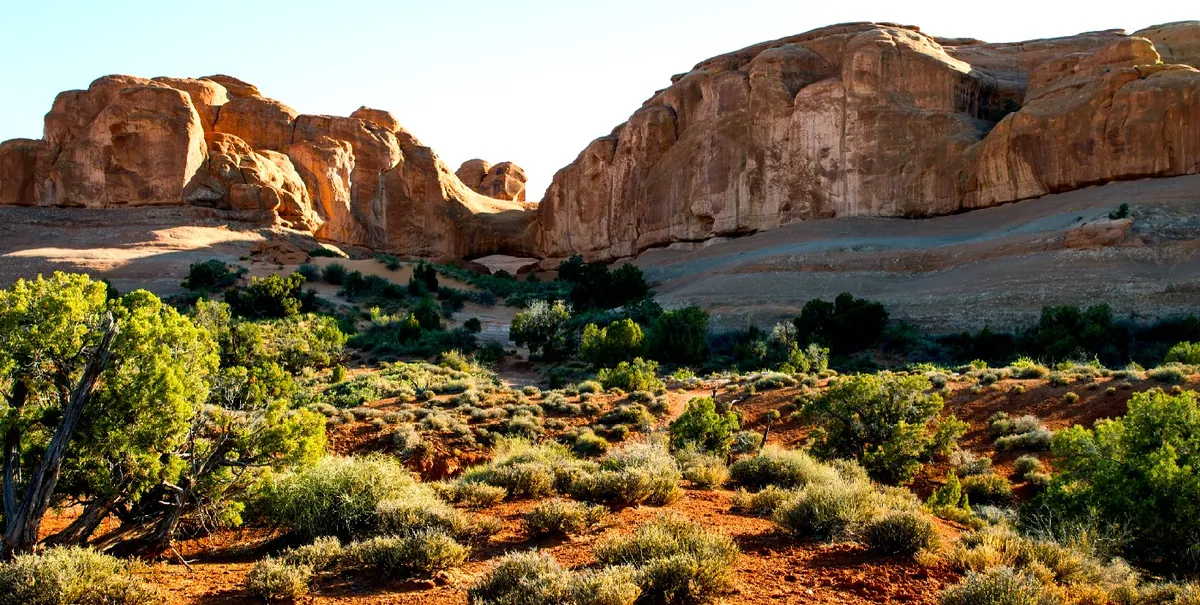
Saturated skies and foliage, crisp.
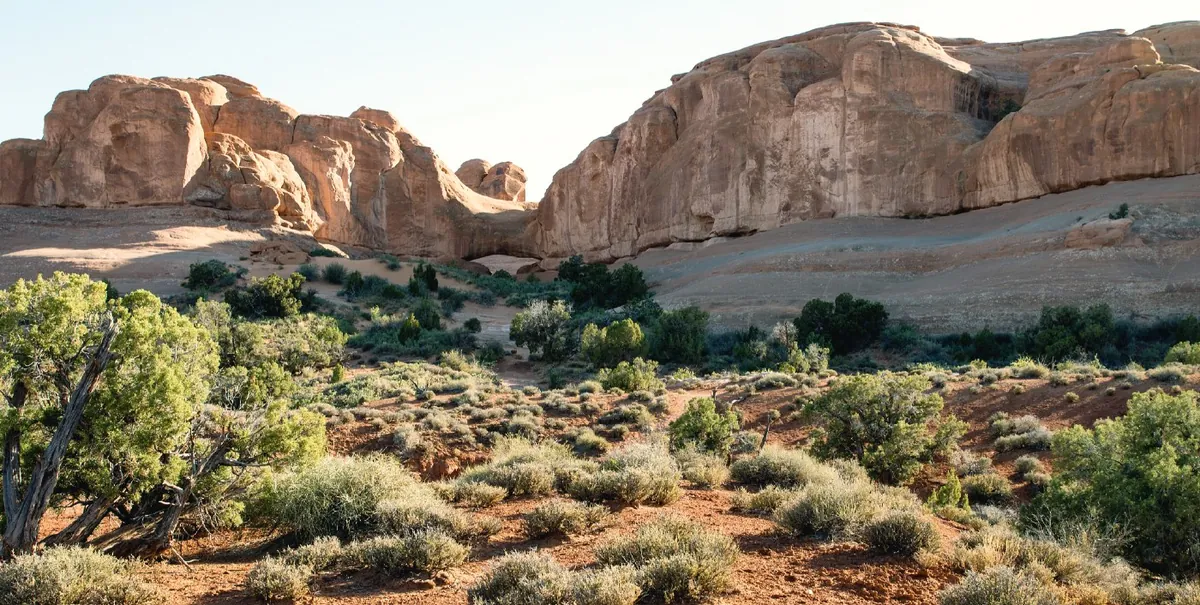
The cinematic split: teal shadows, orange highlights.
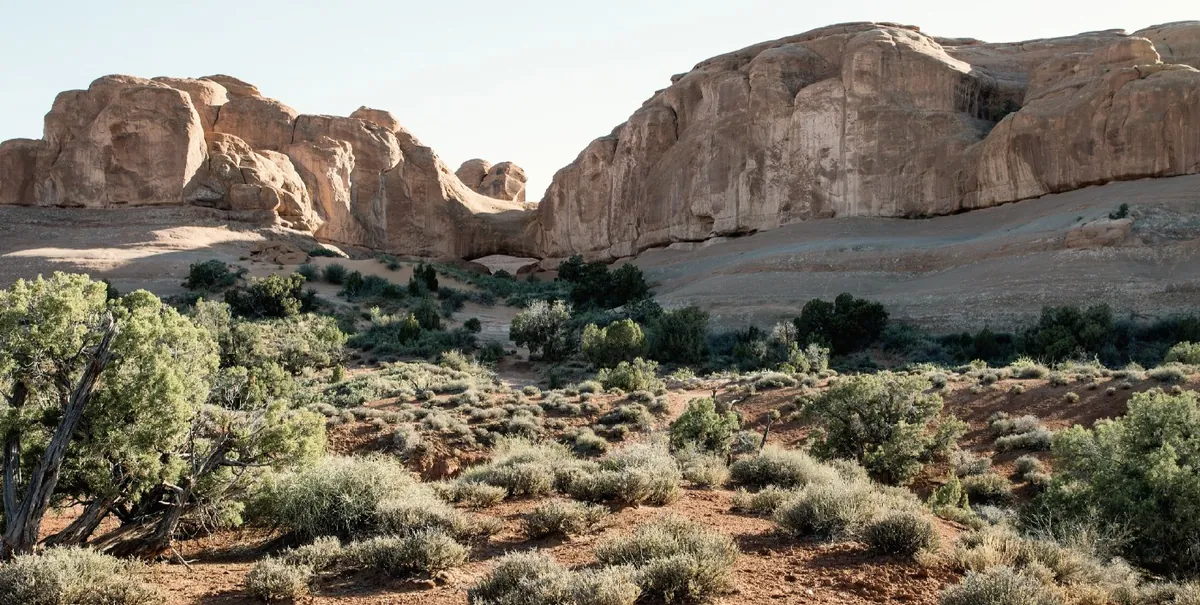
Fujifilm’s documentary look: muted colour, firm shadows.
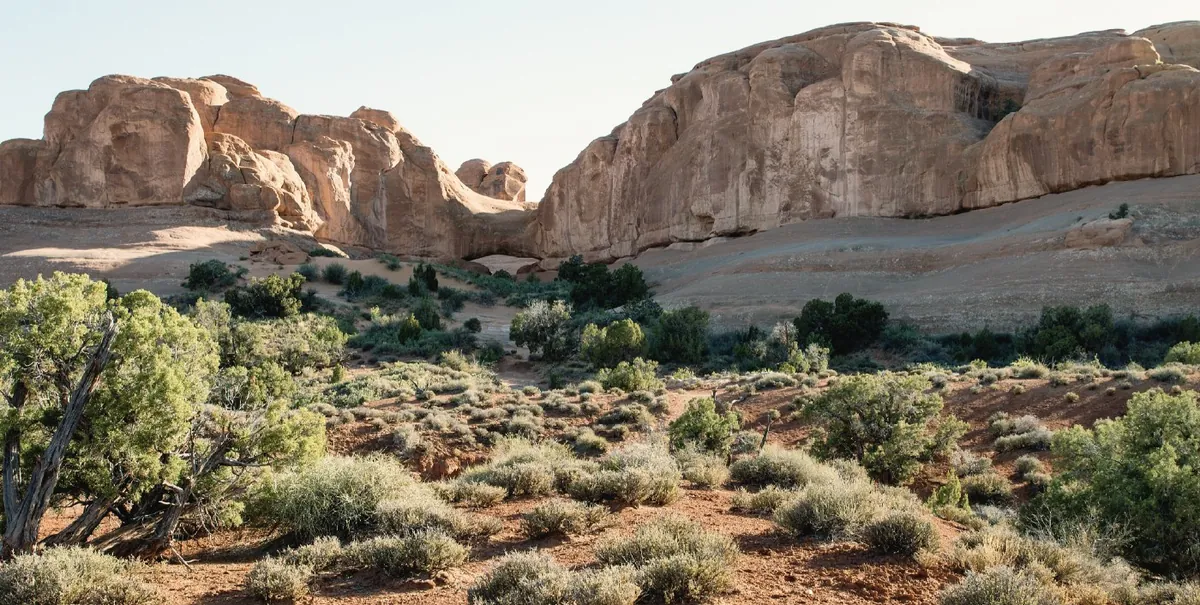
Cinematic, quiet colour, teal shadows and warm light.
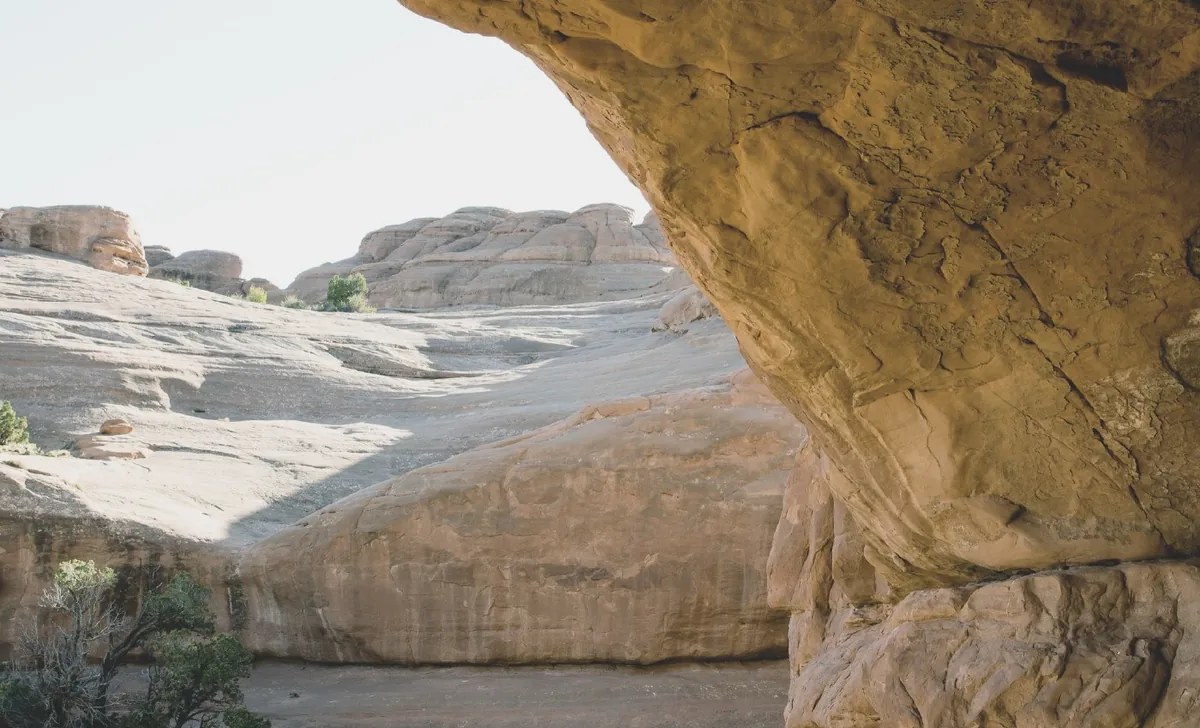
Lifted blacks, muted colour, soft highlights.
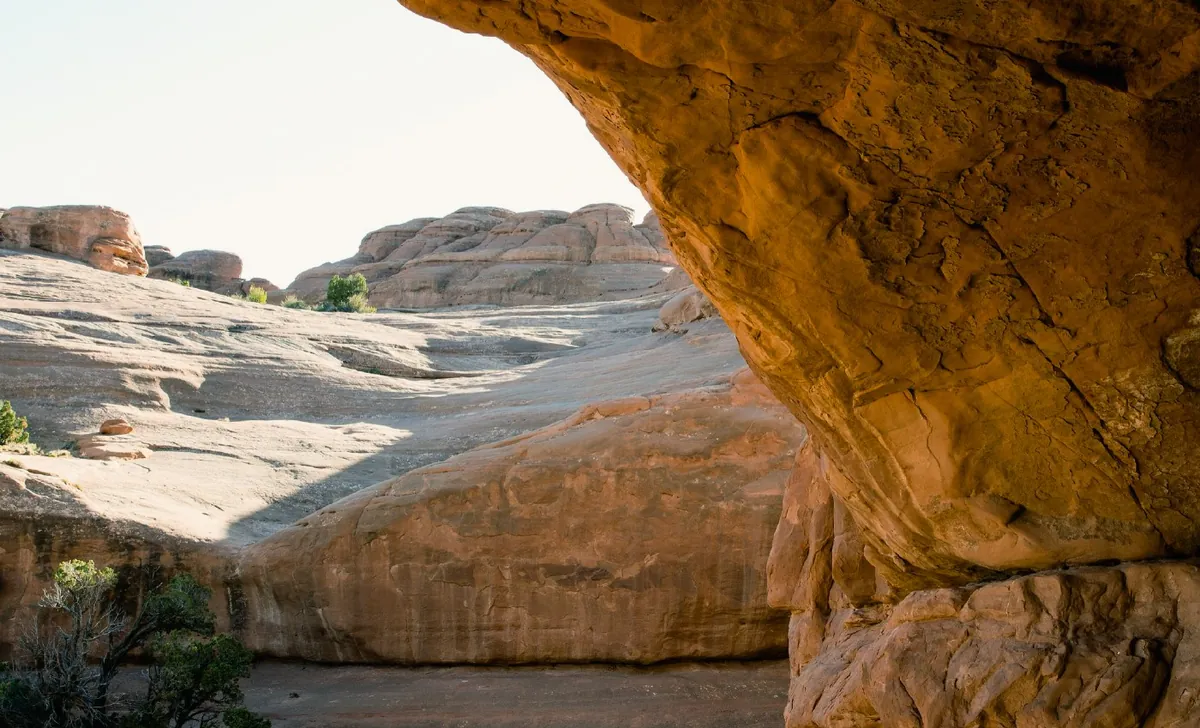
Ricoh GR’s bright, contrasty slide-film look.
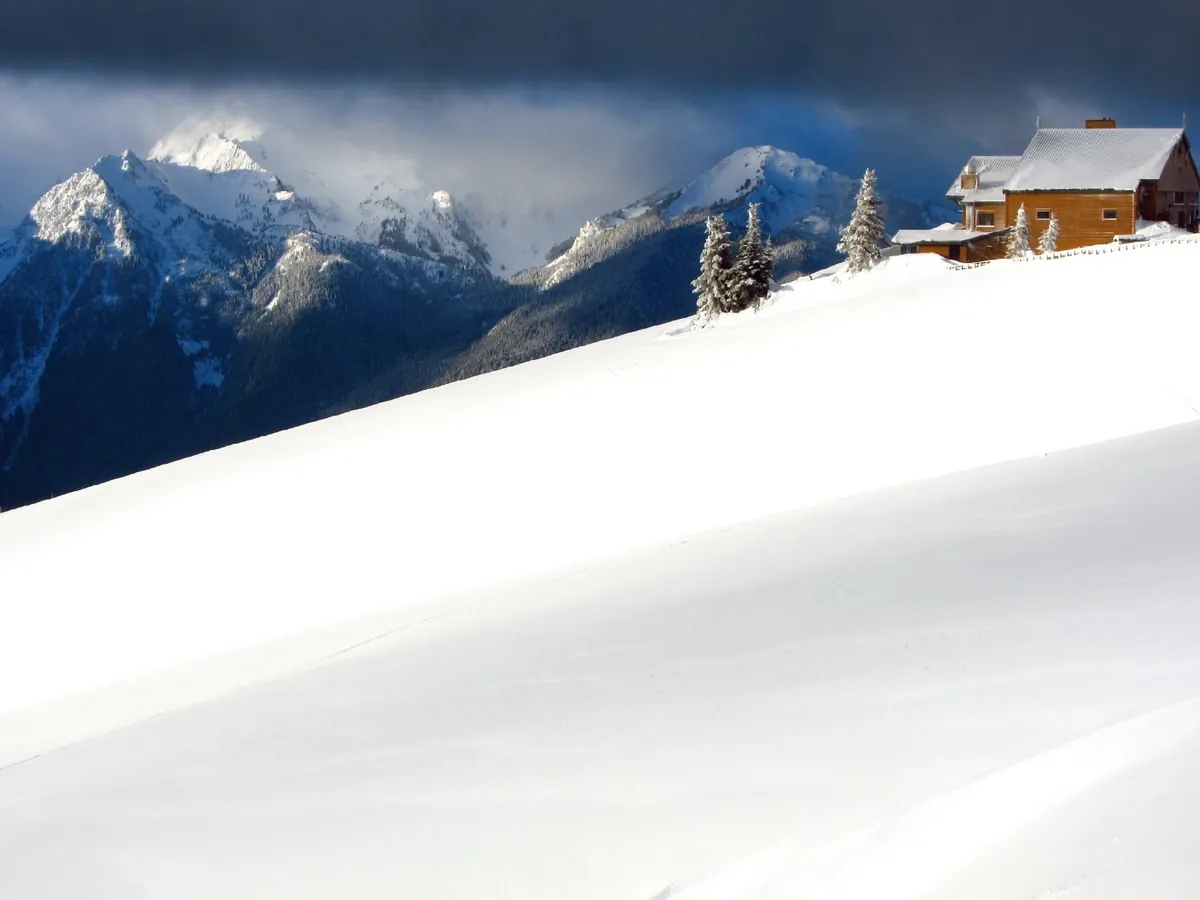
Neon nights: teal shadows, warm lights.
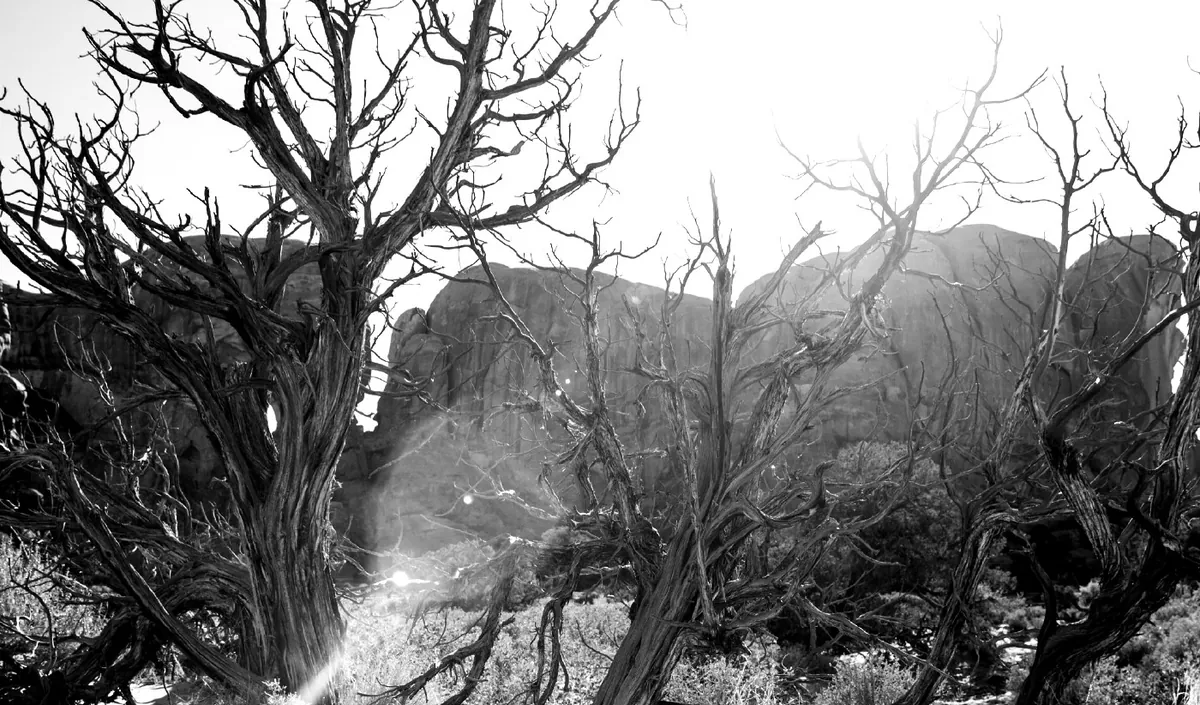
Deep blacks, bite and grain.
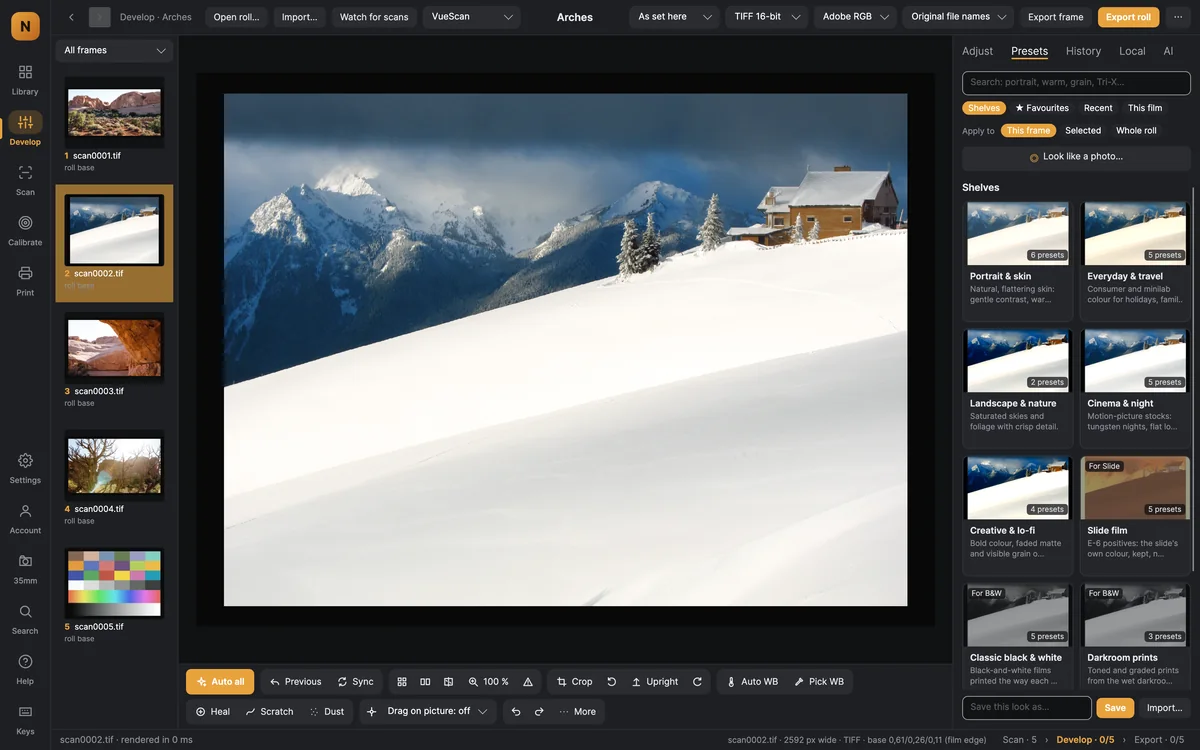
Shelves, favourites, recent looks and looks made for this film; search, apply to a frame, the selection or the whole roll; save your own. Looks shared on 35mm appear here too.
Straight, clean and framed — automatically where it can be, by hand where you want.
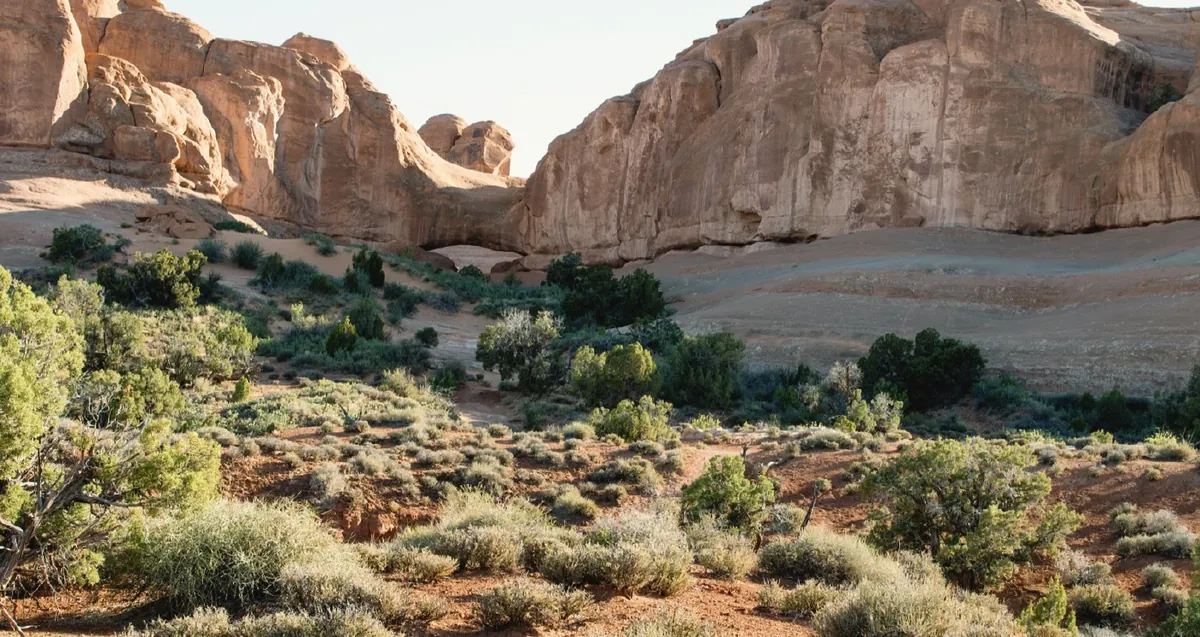
Turn by dragging, draw a level line, guides from thirds to the golden spiral, print sizes and ratios, and suggested crops around the subject.
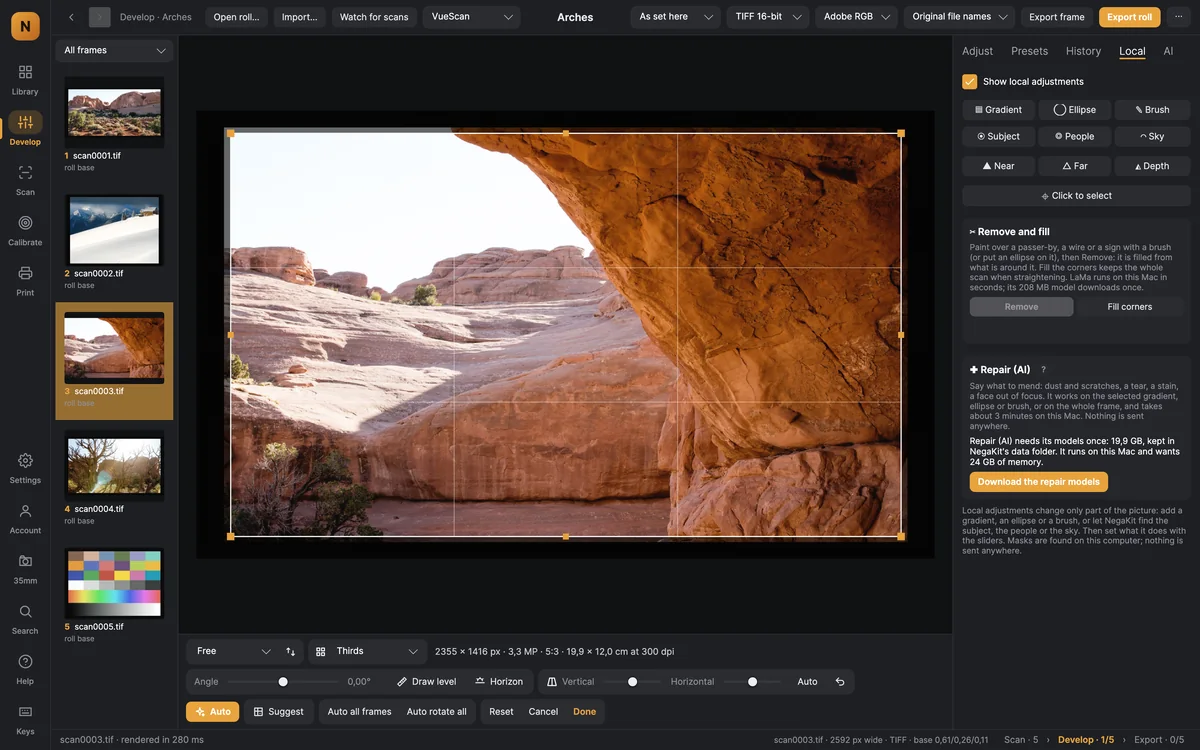
Finds the picture’s edges past the holder and the film rebate, and levels the horizon — for a frame or the whole roll.
Dust removed automatically (from the infrared channel when the scan has one), scratches traced along a rough stroke, hairs and specks healed; a review shows what was taken.
Brushes, gradients and ellipses with their own sliders; masks found for you — subject, people, sky, near and far — and click to select anything.
Keep several versions of a frame, or layer frames into a multiple exposure with blend modes, position and strength.
Every model runs on your own Mac. Settings shows each model’s size and licence, and whether your Mac suits it.
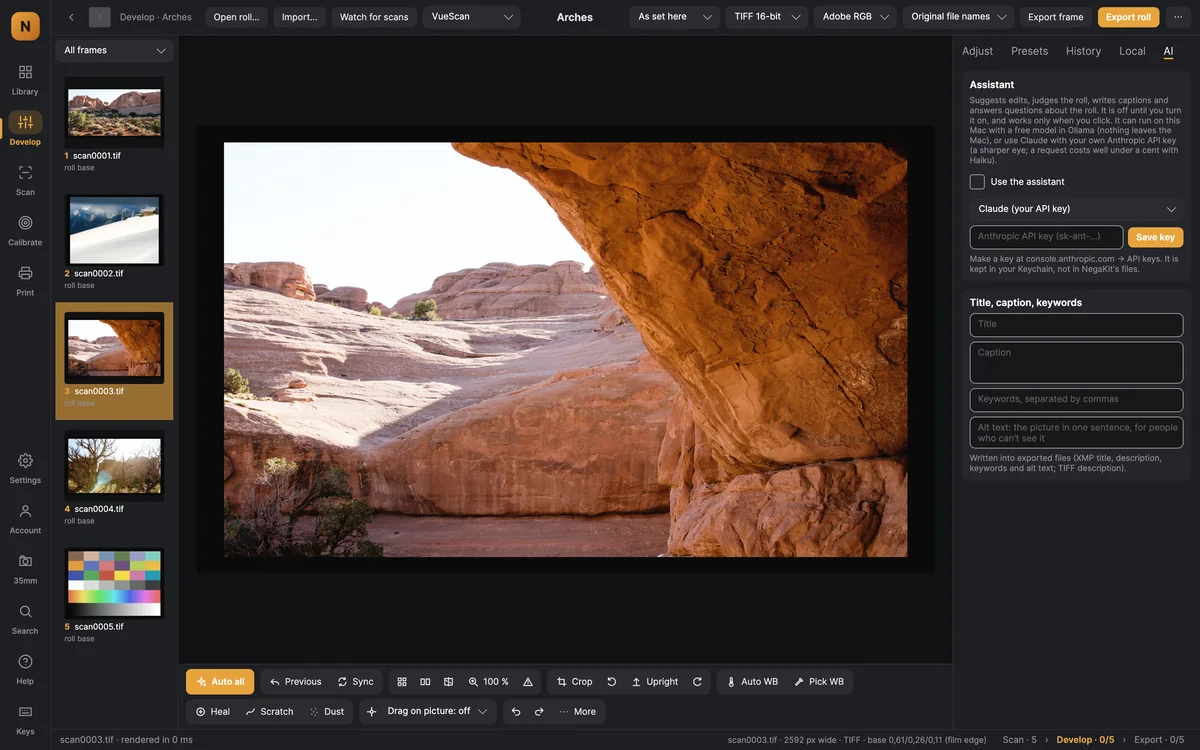
Suggests edits you can apply, judges the roll (stars, closed eyes, blur, near-duplicates), writes titles, captions, keywords and alt text — with a model on your Mac or your own Claude key.
Colour for black-and-white frames, and faded colour brought back — kept natural, never blotchy.
Paint over anything and it is taken out and filled from its surroundings; the corners of a straightened frame filled the same way.
Small frames enlarged two or four times for print, keeping the film’s own grain.
Tears, stains and soft focus repaired by an image model, on an area or the whole frame.
Apple Vision scores each frame and finds similar shots, so the best of a roll come first.
A roll is more than its frames: the film, the speed, the developer and how it came out.
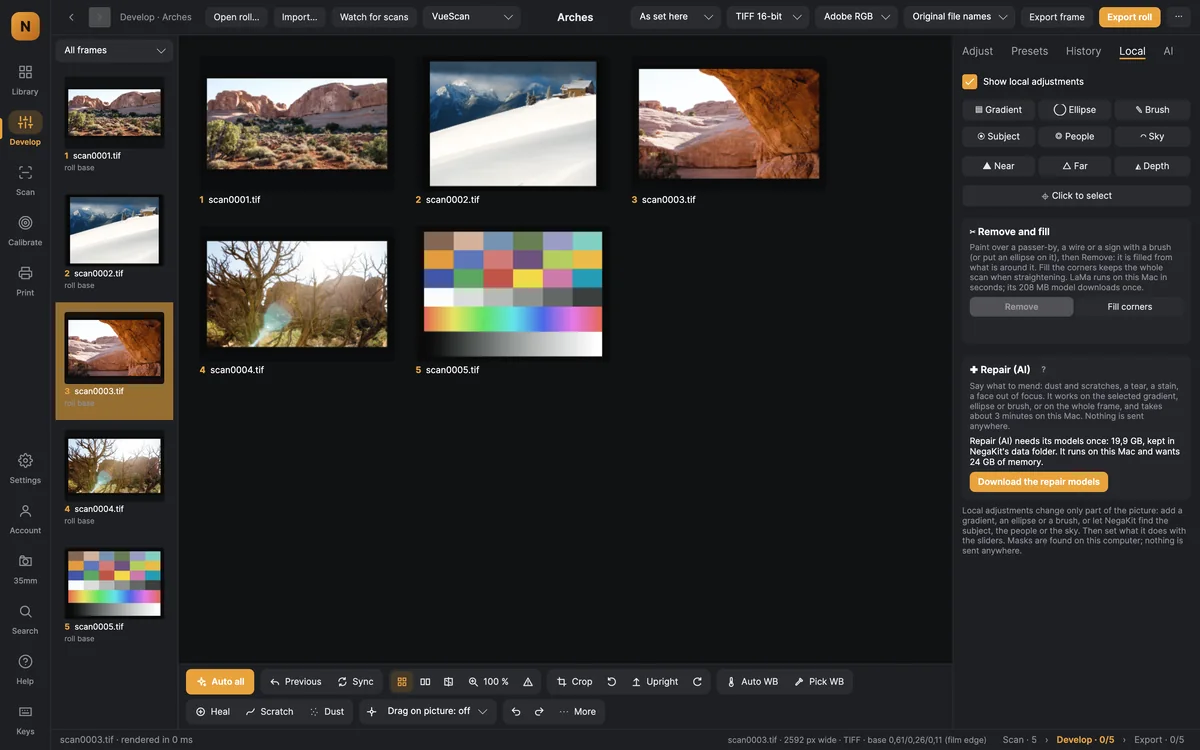
The roll as a grid: sync settings, copy groups of settings from one frame to others, rate and pick.
Film, speed, camera, lens and developer — with the film’s development times, datasheet, rated speeds and reciprocity data from 35mm.org.
Baths in order with the developer time from the card, corrections for temperature and reused chemistry, and agitation cues by sound and voice.
Years expired, storage and the speed you shot at give starting corrections for every frame.
Export recipes that write several files per frame, print layouts with soft proofing, and contact sheets.
Every roll card carries the film’s development times, datasheet and reciprocity data from 35mm.org.
Example photographs: U.S. National Park Service (Arches and Olympic National Parks), public domain.