35mm.org Pinhole Calc
Pinhole, worked out
Drill the right hole, meter the light, time the exposure — and let the maker’s own reciprocity data say how much longer. Every number shows where it comes from.
- Runs on
- iPhone and iPad, iOS 17 or later
- Languages
- English and 12 more languages
- Status
- Coming to the App Store
The app is not in the App Store yet. When it is, its badge will be here.
Screens
From the app in the iPhone simulator, in light or dark to match this page.
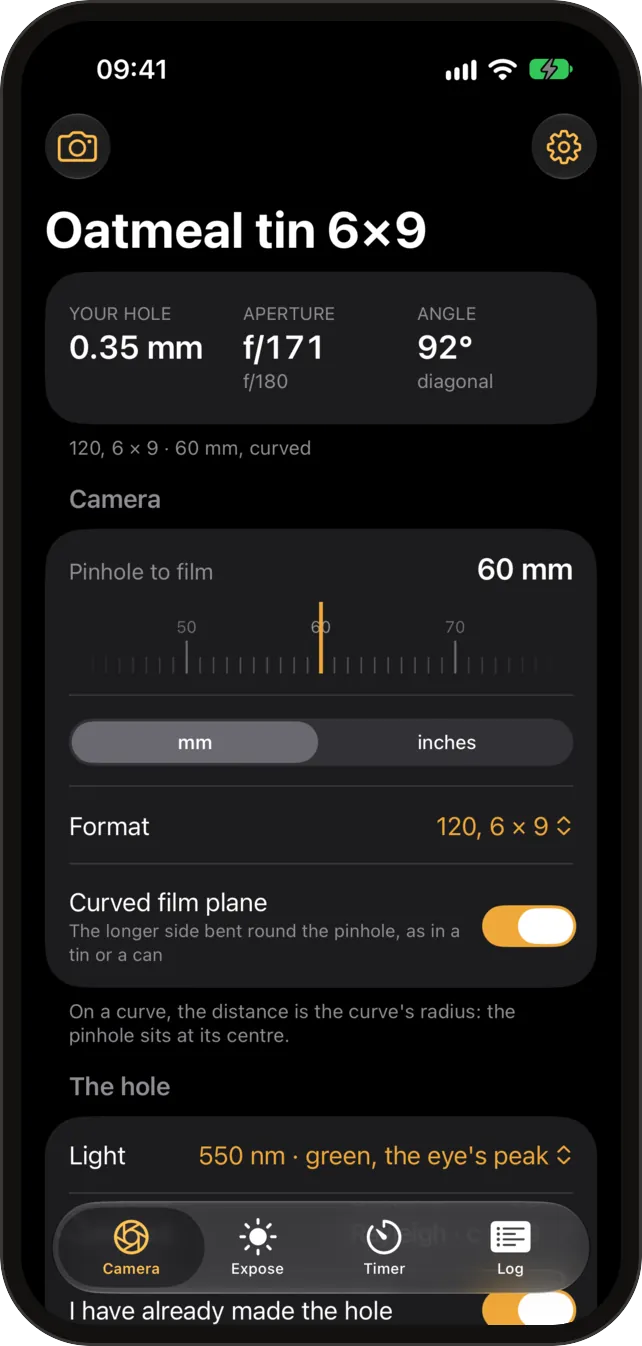
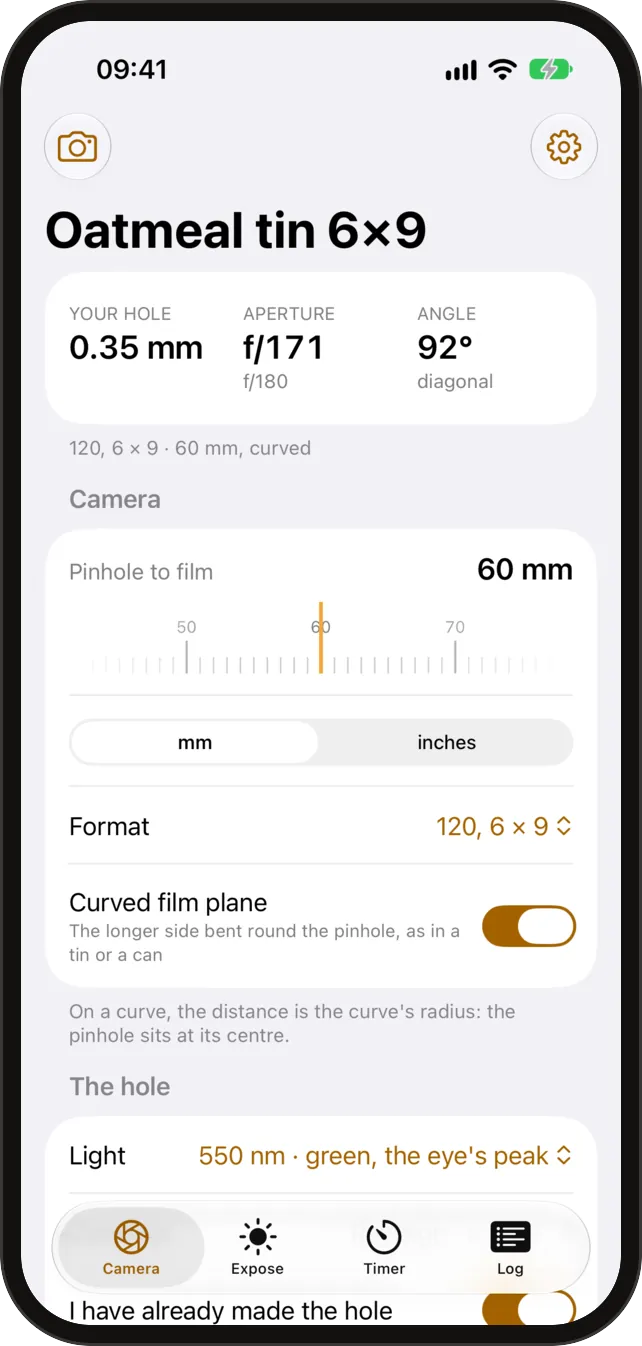
Camera
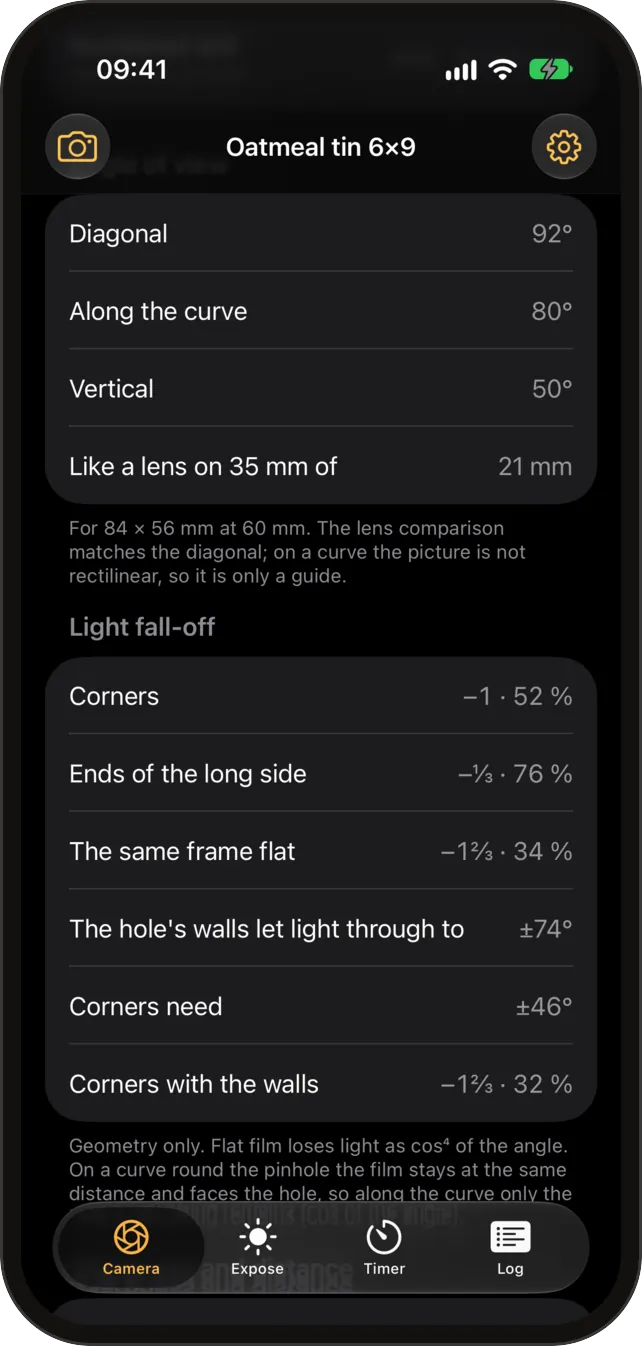
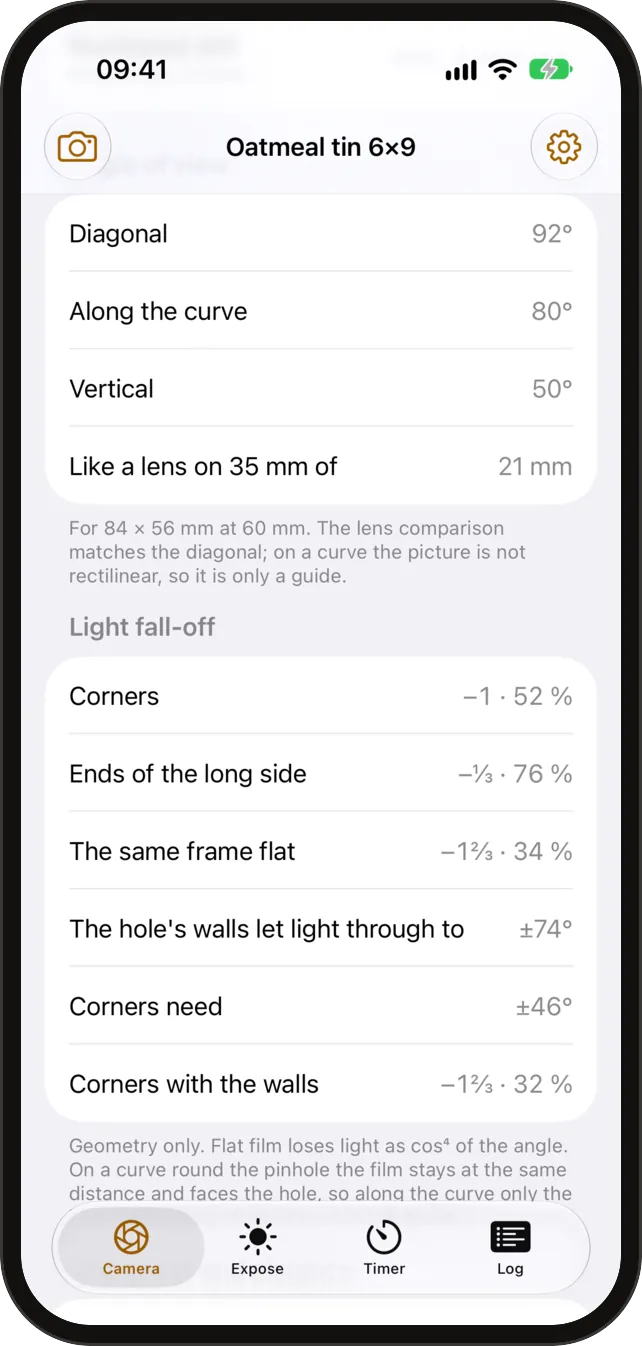
The right hole for your camera
Enter the distance from the pinhole to the film and the format. The app gives the diameter to drill, d = c·√(f·λ), with the constant you choose from four published ones, and the f-number to the nearest third of a stop.
- Angle of view across the diagonal, the width and the height.
- Light fall-off towards the corners (cos⁴), and what a curved film plane changes.
- The thickness cut-off: how thin the material must be for the hole to behave as a pinhole.
- How sharpness changes with the distance to the subject.
- The needle and drill sizes that come closest to the hole you want.
- Measure a hole you have made from a scan of it.
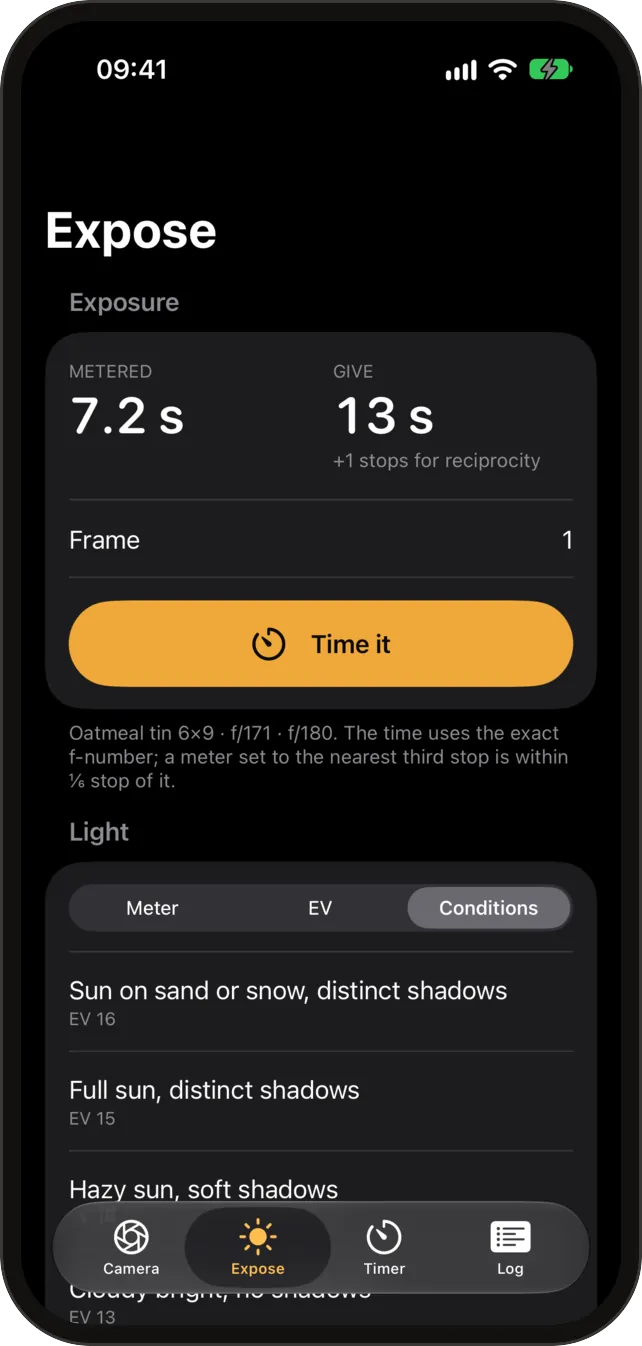
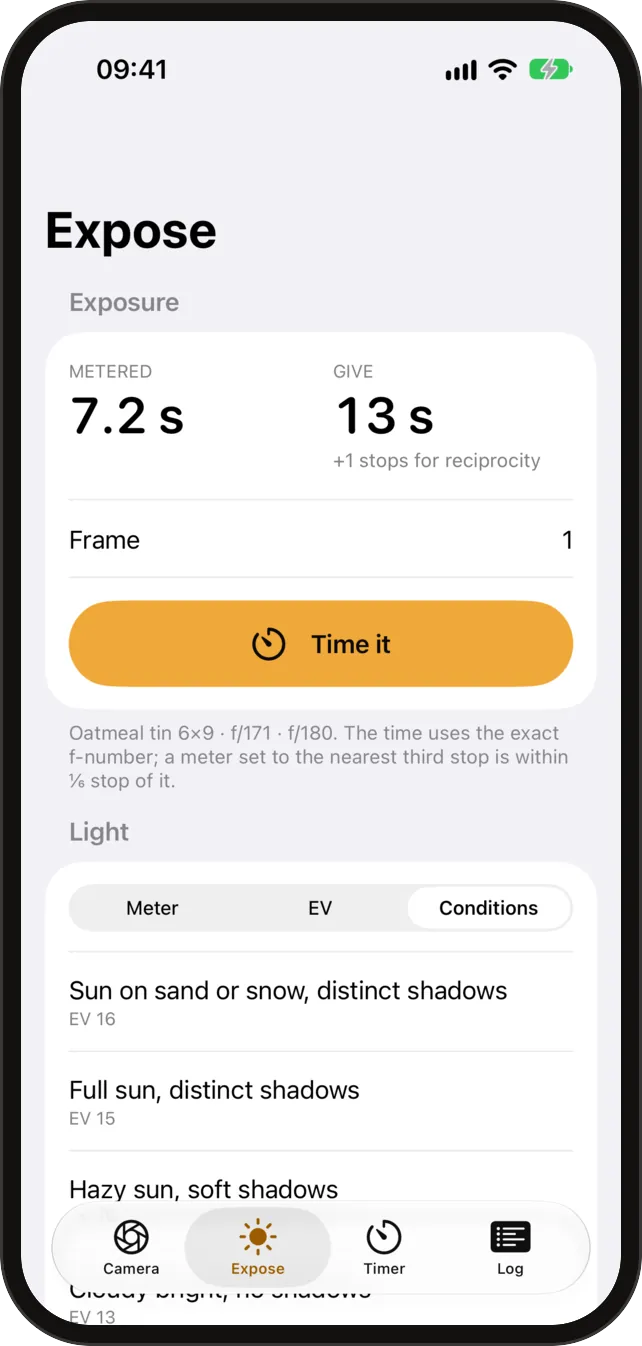
Expose
The time, and the maker’s correction
Meter with the phone, or enter an EV or pick the conditions: the app gives the metered time, t = N²/2^EV · 100/ISO, for your hole and your film speed. Past a second film needs more light, so the app applies the maker’s own reciprocity correction and shows the metered and the corrected time together.
- Where a maker publishes nothing for a film, the app says “no published data” and shows no guess.
- Where a maker gives the correction only in stops of aperture, which a pinhole cannot open, the app shows the maker’s words and works nothing out.
- Nothing is worked out past the end of a maker’s table.
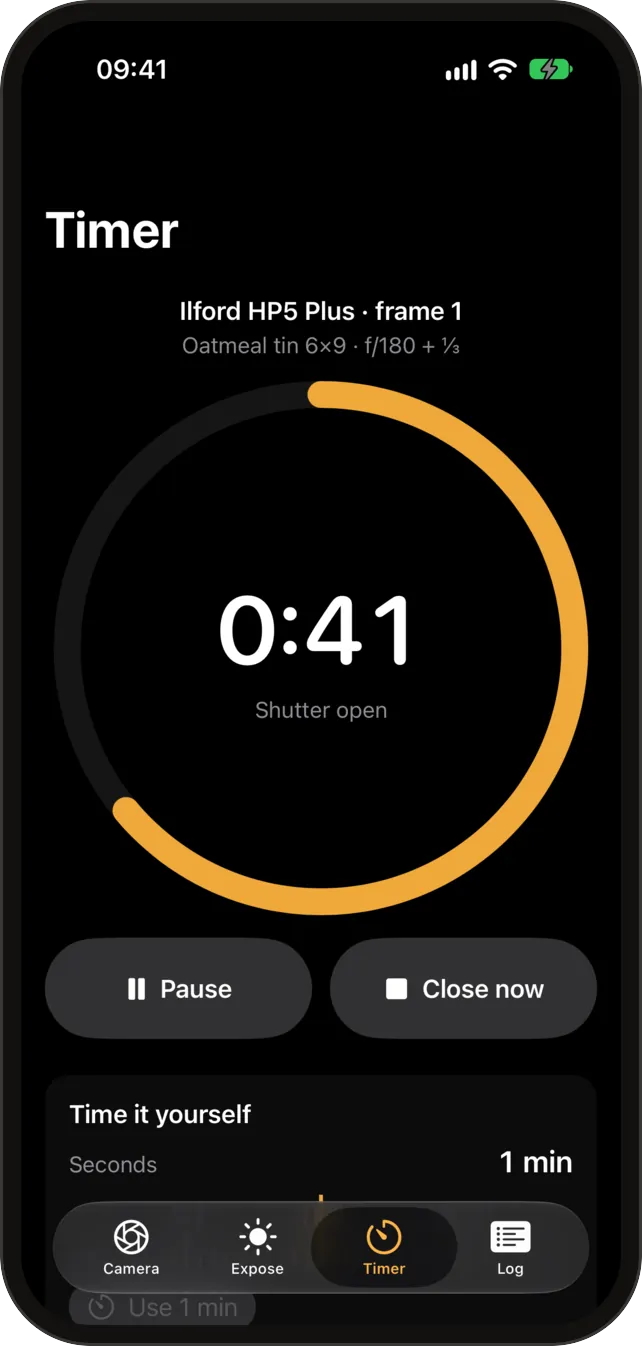
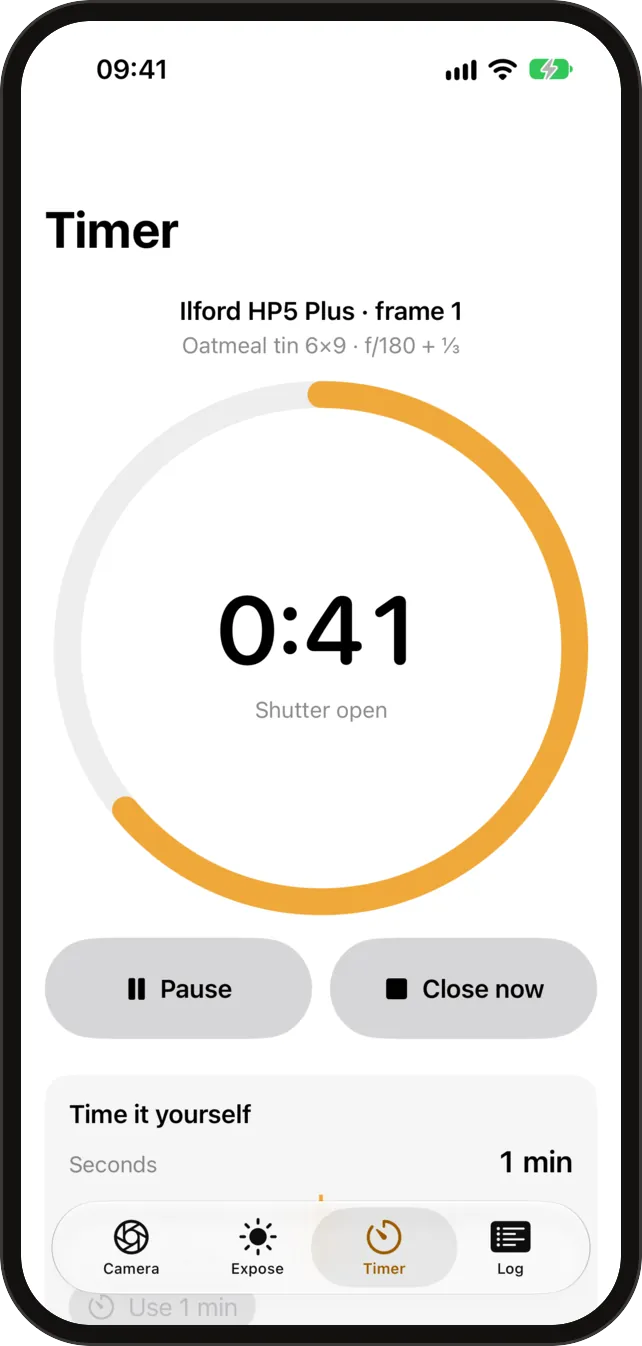
Timer
A timer for long exposures
Start the corrected time and leave the phone: a Live Activity and the Lock Screen show the time left, a haptic and a sound tell you when to close the hole, and the exposure log keeps what you did.
- Share the exposure log as a CSV file, only when you tap Share.
Profiles
Your cameras, saved
Save each pinhole camera as a profile, with its distance, format and hole, and come back to it in the field. The app is in 13 languages.
How it works
-
Every figure has a source
The four constants, the film data and the formulas are the published ones, named here and in the app. Nothing is guessed.
-
Collects nothing
No account, no analytics, no ads. The network is used only for an optional check for new film data.
-
Works without a signal
Everything is on the phone, in the field as well as at home.